51
Premier Diagnostic Platform i70Pro User's Manual V1.01
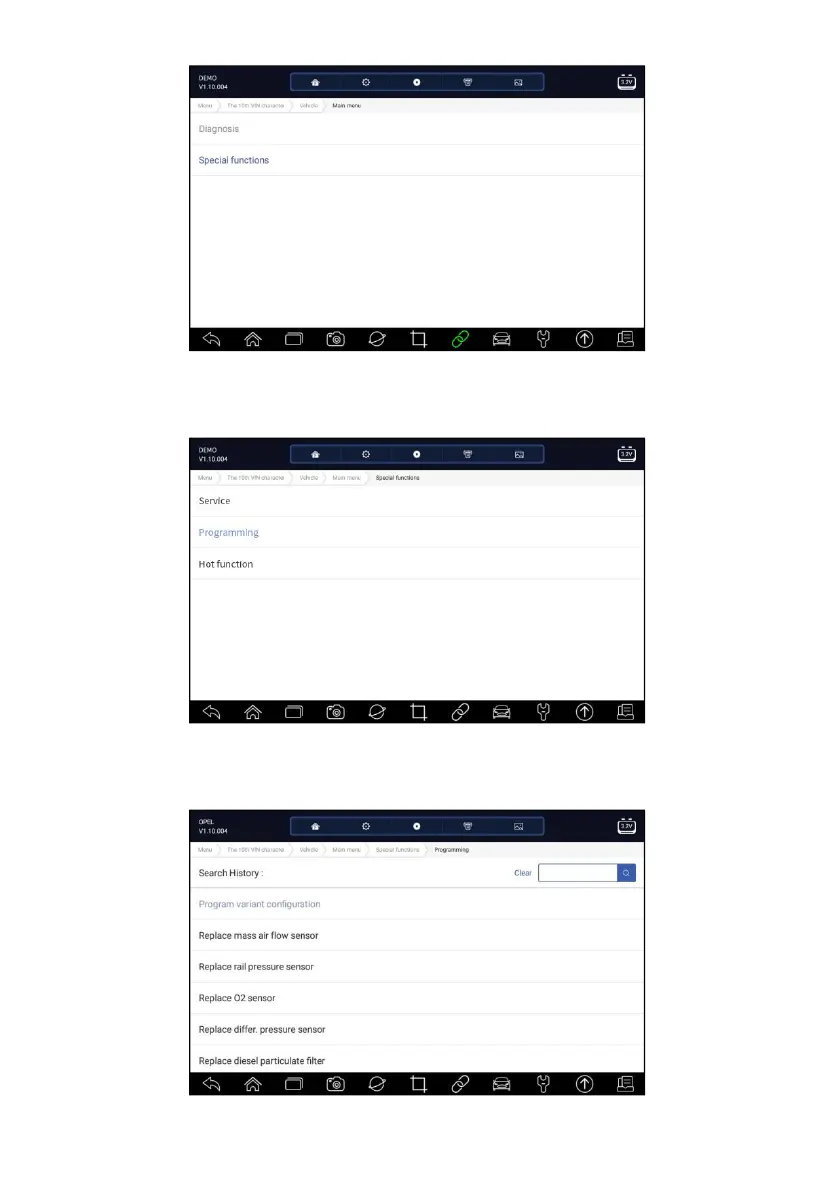
Figure 5-32 Sample Main Menu Screen
2. Select Programming option from the Special Functions menu. A list of
available services display.
Figure 5-33 Sample Special Functions Screen
3. Select the function you want to test. Follow on-screen instructions to make
proper selections and operations to complete the tests



 To Next Page