48
Premier Diagnostic Platform i70Pro User's Manual V1.01
shut down, turn the ignition to the run position, then re-initiate the actuator
tests.
IMPORTANT
The tests activate a component, but they do not check if the component is
working correctly. Make sure the components to be tested are in good
condition and correctly mounted.
NOTE
Available tests depend on the control module under test and the vehicle itself.
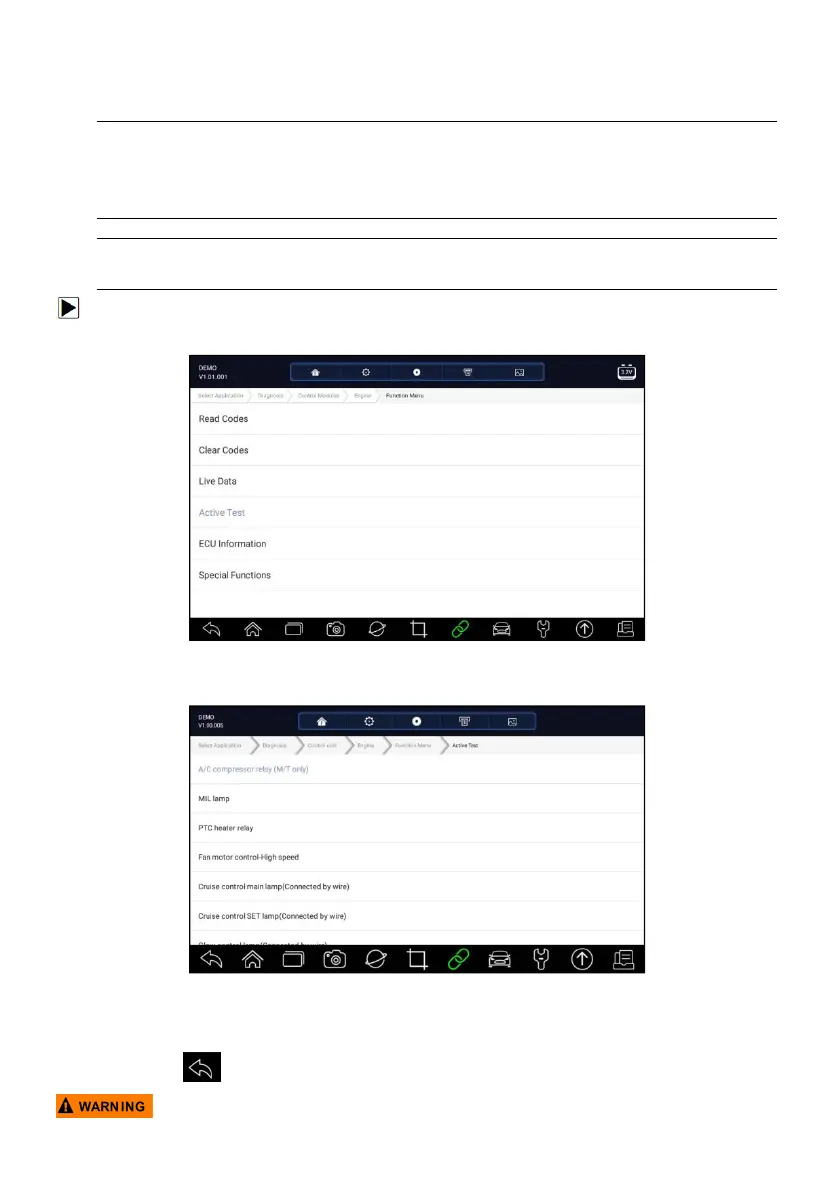
To start a test:
1. Press Active Test from the menu and a list of available options displays.
Figure 5-27 Sample Function Menu Screen
2. Select an option to start the test and live data of the selected test displays.
Figure 5-28 Sample Active Test Screen
3. Follow on-screen instructions to make proper selections and operations to
complete the tests.
4. Press to exit.














 To Next Page