EasyManua.ls Logo

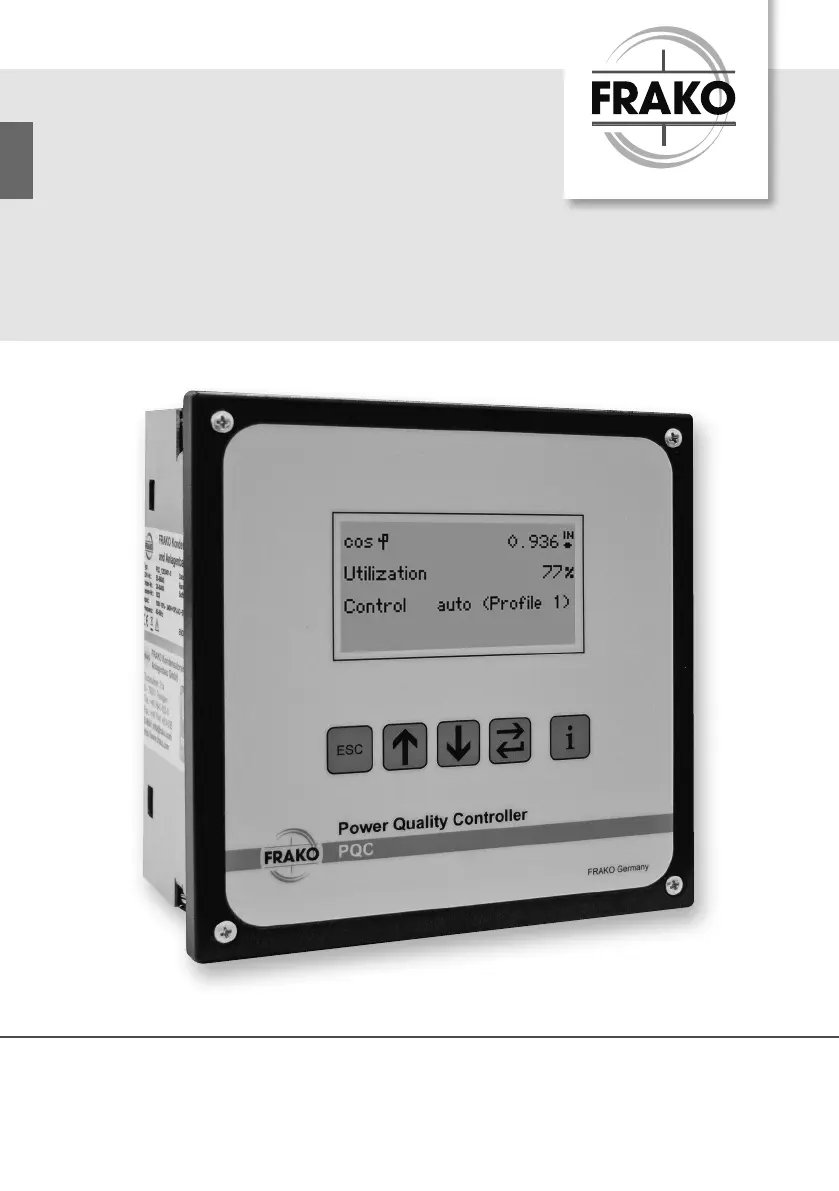
frako PQC - User Manual

frako PQC
80 pages
Print Icon
To Next Page IconTo Next Page
Loading...
FRAKO Kondensatoren- und Anlagenbau
www.frako.com
OPERATING MANUAL
The controller that maximizes reliability
and monitors power quality
PQC
Power Quality Controller

Table of Contents

Questions and Answers

  • X
    xrodriguezAug 28, 2025
    What causes 'Voltage less than set limit + Current less than set limit' on frako Controller?
    • P
      parkerchristopherAug 28, 2025
      This problem is caused by multiple zero-voltage crossings in measured voltage. To solve it, change the setting for the Network nominal parameters from Auto to the appropriate network frequency (50 Hz or 60 Hz) on your frako Controller.
  • M
    michelle37Aug 27, 2025
    Why doesn't my frako Controller switch out all stages under low load?
    • R
      Rose ArmstrongAug 27, 2025
      This issue may arise if the c/k is set too high; adjust the c/k according to the table. The frako Controller might be in manual mode, so deactivate manual control. It's also possible that the wrong control profile is selected; adjust the control profile to suit system requirements.
  • O
    odonnellchadAug 27, 2025
    What to do if frako PQC shows 'Current less than set limit'?
    • H
      Hannah ReedAug 27, 2025
      This can happen due to a break or short-circuit in the current transformer cable. Use an ammeter to check the current in the current path (I * 0.015 A). It can also be caused by too low current in the current path, in this case, install a smaller current transformer. A defective current transformer can also be the reason, so check the current transformer.
  • S
    sharon82Aug 25, 2025
    How to troubleshoot a frako Controller PQC with no display?
    • M
      Michael CunninghamAug 26, 2025
      The issue could be due to a power problem. Check that the correct instrument power supply is connected to the frako Controller and that the fuse in the circuit has not blown.

Summary

About This Manual

Manual Objective and Safekeeping

Purpose of the manual and instructions for its storage.

Symbols and Warning Signs

Explanation of symbols and warning sign conventions used throughout the manual.

Reference Documents

Lists related documentation for further information on the PQC.

Safety

Intended Use and Potential Dangers

Defines the proper application of the PQC and lists instrument-specific hazards.

Management Information and Disclaimer

Outlines personnel qualifications, user responsibilities, and liability limitations.

Relevant Standards and Repair

Lists applicable standards for installation and procedures for obtaining repair services.

Technical Data

Instrument Description

Function and Operation

Explains the PQC's function, power factor correction, and regeneration modes.

Instrument Versions and User Interface

Details PQC models and describes the device's operating keys and their functions.

Password Protection

Explains the system for securing sensitive menu items from unauthorized access.

Installation

Mounting and Location Procedures

Covers preparation, suitable location selection, and physical mounting of the PQC.

Electrical Installation and Connections

Details electrical wiring, specifications, diagrams, and connection steps for the PQC.

Commissioning and Initial Start-up

Covers start-up preparations, initial setup dialogue, and connection/stage identification.

Description of the Menu

Main Menu Overview

Introduces the main menu structure and primary groups: Display, Configuration, About PQC.

Display Options

Details available displays for PFC overview, System & PQ, Service, and Alarms.

Configuration Options

Explains parameter settings for system, PFC equipment, control, alarms, and communication.

Service Functions and Interface

Covers temperature I/O, communication, service interface, and 'About PQC' information.

General Operation

Cleaning and Maintenance

Safety, Cleaning, and Maintenance

Provides safety warnings, cleaning methods, and maintenance information for the PQC.

Troubleshooting

Alarm and Fault Resolution Guide

A guide for identifying and resolving common PQC alarms and faults.

Decommissioning and Disposal

Decommissioning and Removal Procedures

Details procedures for safely decommissioning and removing the PQC from installation.

Storage and Disposal Guidelines

Provides instructions for storing the PQC and guidelines for environmentally sound disposal.

frako PQC Specifications

General IconGeneral
Brandfrako
ModelPQC
CategoryController
LanguageEnglish