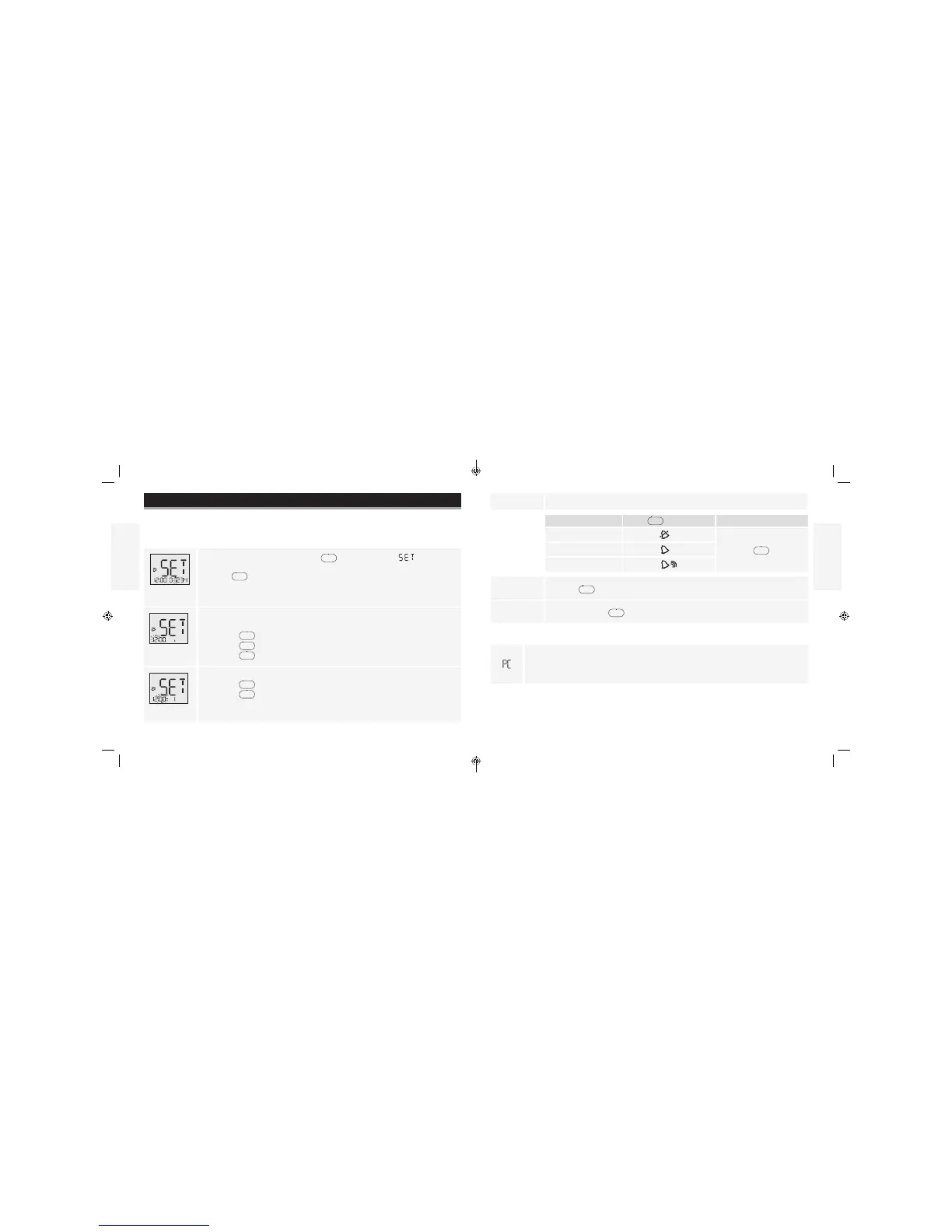
appears on the display when you insert a data cable in the data port. The computer
must have a compatible data management system to complete the transfer. Remove
this cable before performing a test.
Contact Customer Care to learn more about the data management system.
English
English
Contact Customer Care Toll Free at 1-888-522-5226 www.MyFreeStyle.com
Setting Reminder Alarms (optional)
5. Set alarm sound volume
Purpose
The purpose of this section is to set up to four reminder alarms to prompt you to test throughout
No sound
the day.
A low beep
• Press to save
A louder beep
6. Press
and repeat 2, 3, 4 and 5 to set remaining reminder alarms or
7. Press and hold
for 3 seconds until meter turns o.
Transferring Test Results To a Computer
Reminder Alarm
1. With the meter o, press and hold
for 3 seconds until appears
and 0 is ashing.
2. Press
. Reminder alarm 1 ashes.
Hour
Note: You are setting time for Reminder Alarm not clock time.
3. Set hour
• Press
to display correct hour
• Press
to save
Minutes
4. Set minutes
• Press
to display correct minutes
• Press
to save
If you prefer:
Press
31
32
ART22813-003_rev-A.indd 31-32 1:29 PM11/9/16



 To Next Page