995367 – Revision A Page 15 of 39
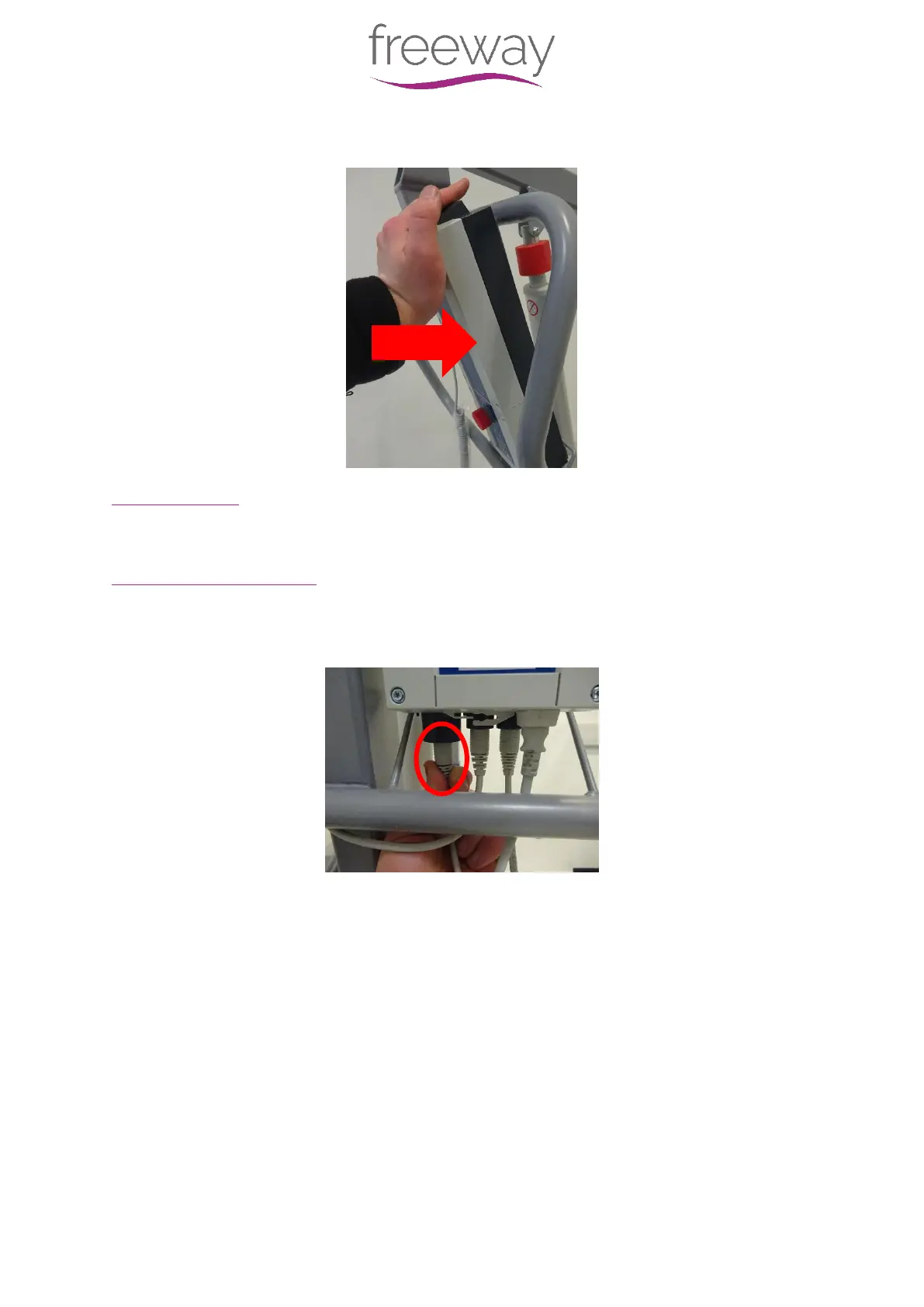
A) Reposition the Battery above the Control Box – Push the Battery inward and the
Battery will “click” into place.
9.2 – Cables
In this section it will explain the correct procedure on removing/ refitting the Cables for
servicing procedures or replacement.
9.2.1 – Cables - Handset
Removal
Step 1 – Remove the Handset connecter from the Control Box by pulling downward out of
the Port.
Step 2 – Unhook the Handset from the Hoist
Refitting / Replacement
Step 3 - Refitting is a reversal of the removal process noting the following points:
A) Align the Handset connecter as shown in the image, with the locator facing away from
the Hoist


 To Next Page