S90-010 CS (APR 08) FRICK
QUANTUM™ COMPRESSOR CONTROL PANEL
Page 44 COMMUNICATIONS SETUP
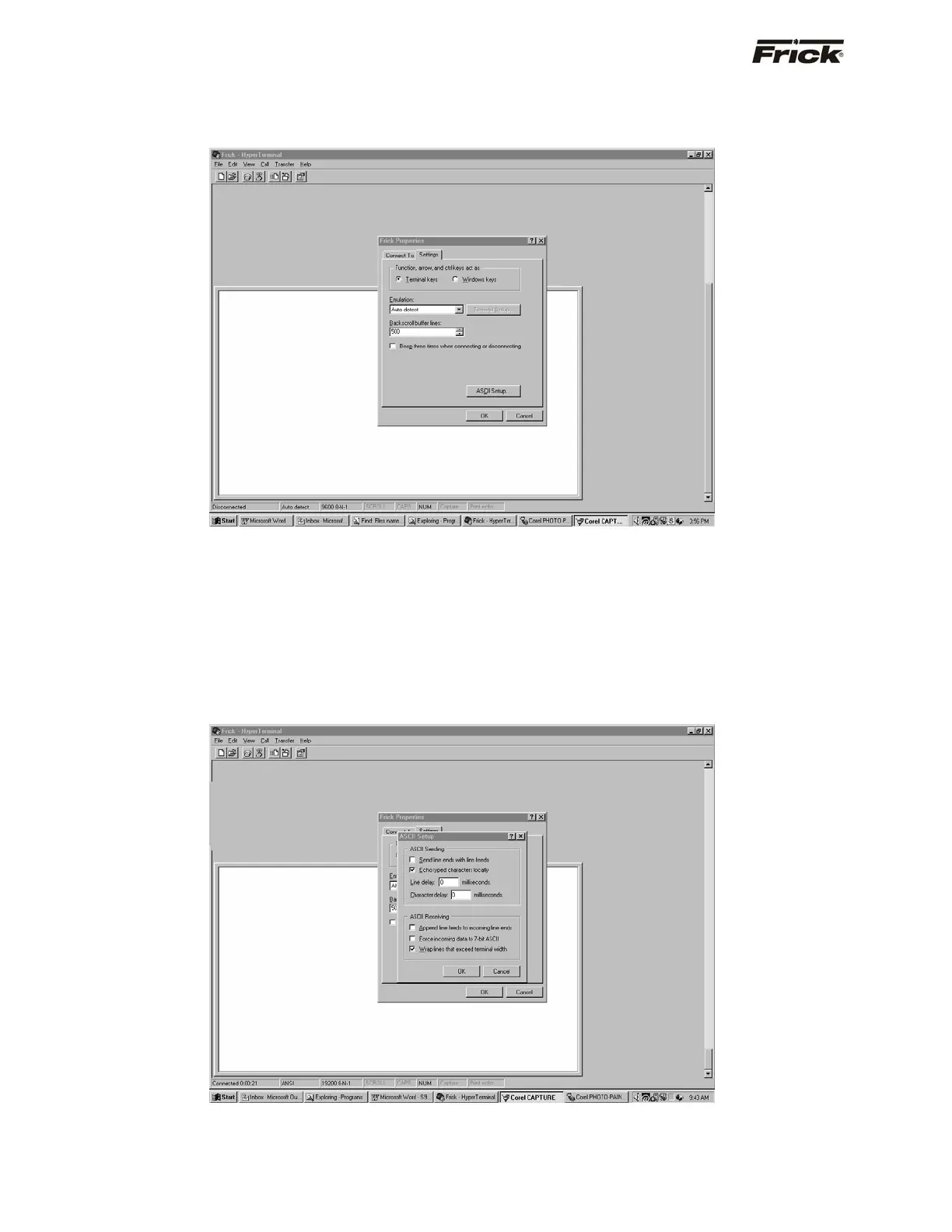
The computer will need to be set up to match the
documentation as presented here, for everything to look
and work as shown later. To do this, click on the [ASCII
Setup…] button.
On the ASCII Setup screen, for best results, check the
boxes according to the following chart:
For Modbus:
• Send line ends with line feeds
• Echo typed characters locally
• Append line feeds to incoming line ends
• Wrap lines that exceed terminal width
For Frick
®
protocols (# and $):
• Echo typed characters locally
• Append line feeds to incoming line ends
• Wrap lines that exceed terminal width
Leave everything else on this dialog box unchanged, then
click on [OK].



 To Next Page