FRICK
QUANTUM™ COMPRESSOR CONTROL PANEL S90-010 CS (APR 08)
COMMUNICATIONS SETUP Page 45
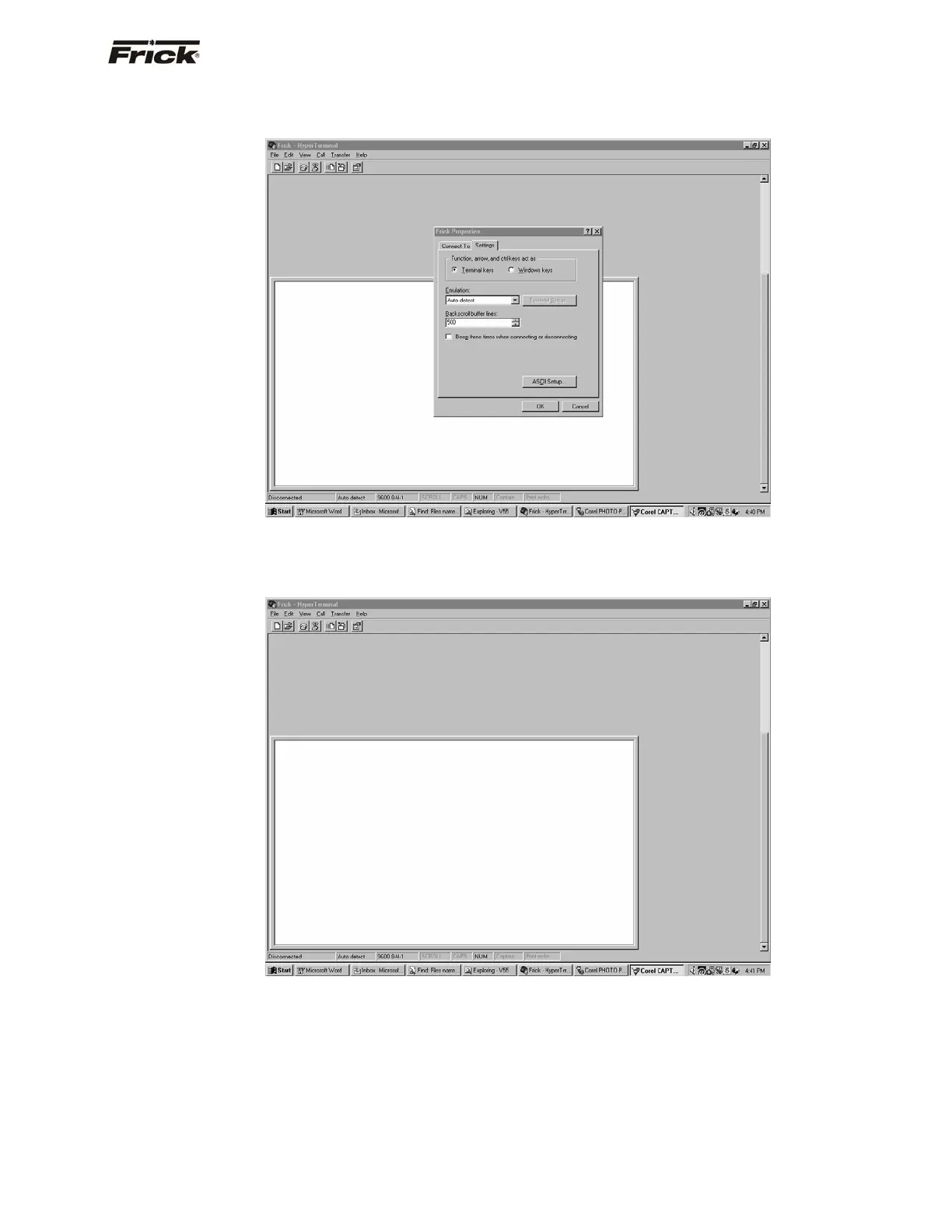
The Properties screen will once again be shown. Click on
the [OK] button to proceed.
You will now be back to the main Hyperterminal
communications screen. This screen will be blank. All
communications, both from the computer, and to the
computer (from the Quantum™), will appear on this
screen. Proceed to the Testing Communications section.



 To Next Page