© 2023 Flanders Scientic, Inc.
49
Return to Table of Contents
Appendix A - DIT / Look LUTs (DM)
DIT / Look LUTs
DM series monitors are capable of loading multiple custom DIT / Look LUTs which unlike calibration LUTs do not require
you to prole the panel. You can use Lattice, LightSpace, or ColourSpace to convert LUTs to FSI’s format. The LightSpace
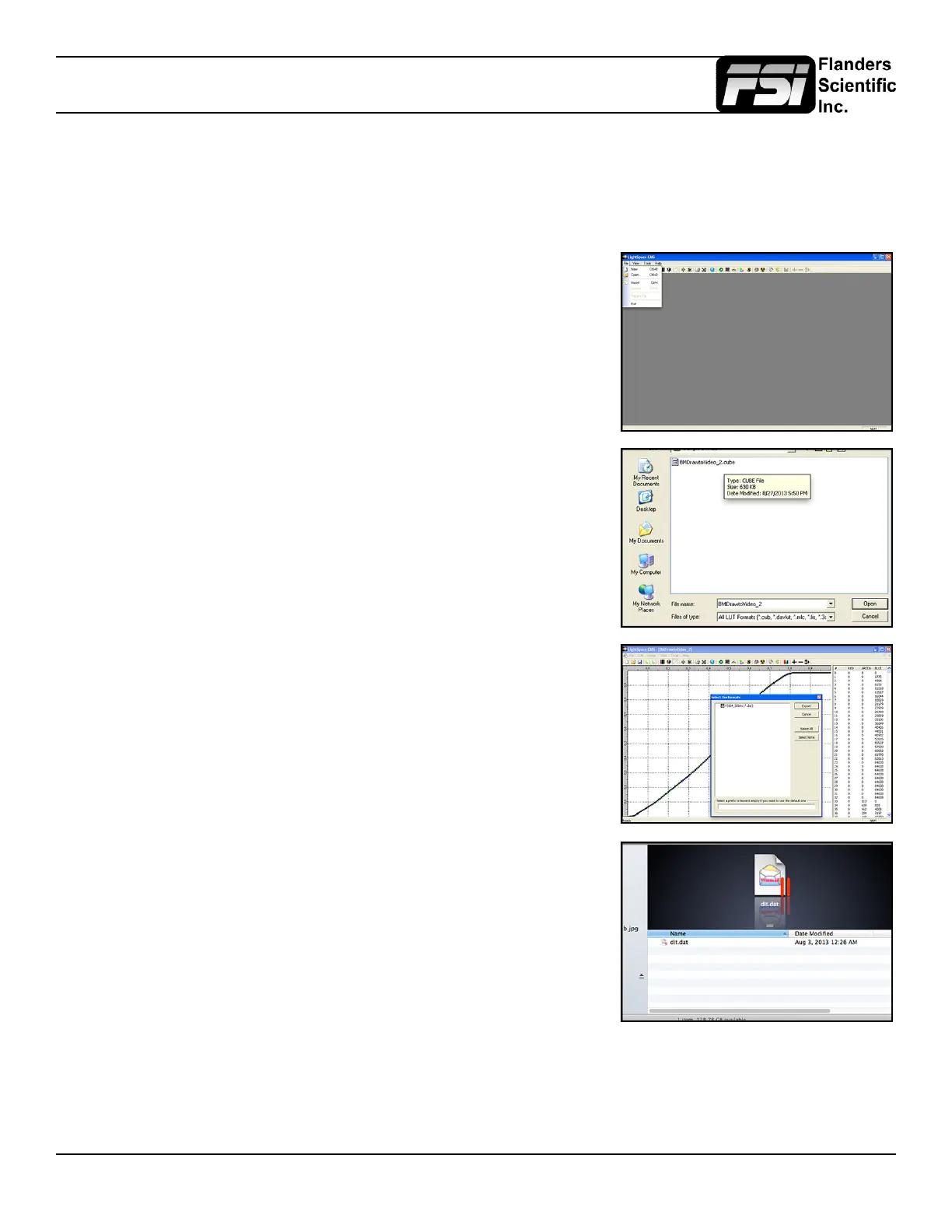
workow is shown below.
Open LightSpace CMS
Select File > Import > YourLUT
Select File > Export > Choose FSI17_32bits (*.dat) as the export format.
In Lattice you should select .dat V2 as the export type.
Once the le is saved, change the le name to ditXX.dat where XX is a 2 digit
number ranging from 00 to 16. The monitor can store up to 16 DIT LUTs at a
time. The naming structure is ditXX.dat with valid LUT names ranging from
dit01.dat to dit16.dat.



 To Next Page