Flluid 1
24
USING YOUR FLLUID
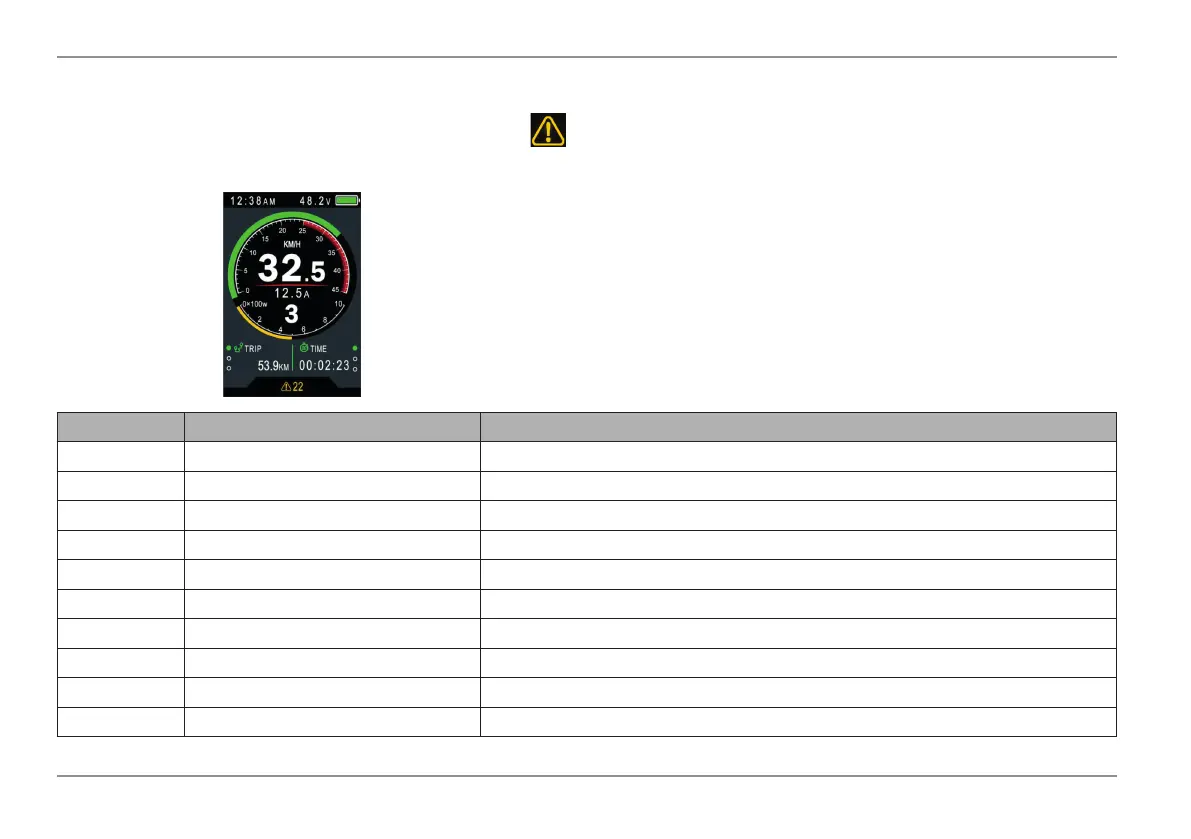
The model 850C can display warning notice. The symbol is displayed along with the error code at the bottom of the screen.
The table below explains the error codes 01 to 30.
ErrorCodeDenition
Error Code Error Description Resolution
01 Communication Error Check the cables and connections
21 Current Protection Check Controller
22 Throttle Error Not Applicable
23 Three-Phase Power Error Check Three-Phase Power Line Connection
24 Hall Sensor Error Check the Hall Sensor Connection
25 Brake Error Check the Brake Connection
26 Controller Error Check battery voltage, check controller
27 Speed Sensor Error Realign Speed Sensor and magnet
28 Torque Sensor Error Check the Torque Sensor
30 Electrical Error Re-establish communication between dash and controller


 To Next Page