Fax/Internet Fax
237
Fax
4
Close Menu
Hides the pop-up menu.
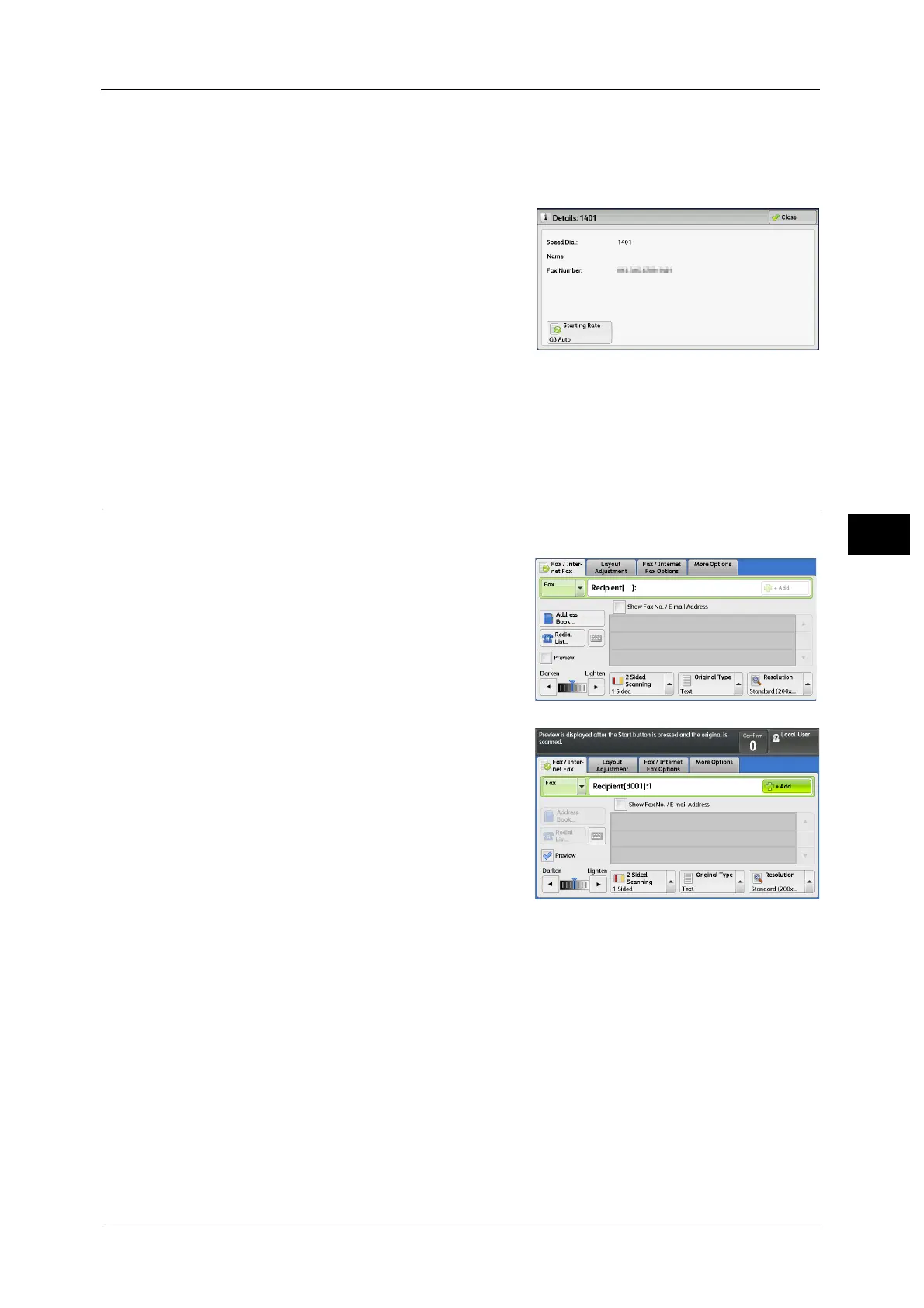
[Details] Screen
This screen allows you to confirm recipients.
Starting Rate
Allows you to select a communication mode according to the features of a recipient's
machine.
Previewing the Read Images during a Fax/Internet Fax Job
Before sending a fax, you can preview the read images while reading the next job.
1 Check [Preview].
2 The message screen on the right will be
displayed. Configure each settings and press
the <Start> button.
3 Preview the read images while reading the next job.
For how to preview the read image, refer to "Previewing the Read Images during a Fax Job" (P.198).



 To Next Page
 Loading...


