124
FMPC
9.2.14 Paper Magazine Feeding Fine
Adjustment (452)
The feed length should be adjusted on this menu
when a new magazine is registered.
[Selection]
“4 Setup and maintenance” - “5 Printer Adjustment/
Maintenance” - “2 Paper Magazine Feeding Fine
Adjustment”
[Procedure]
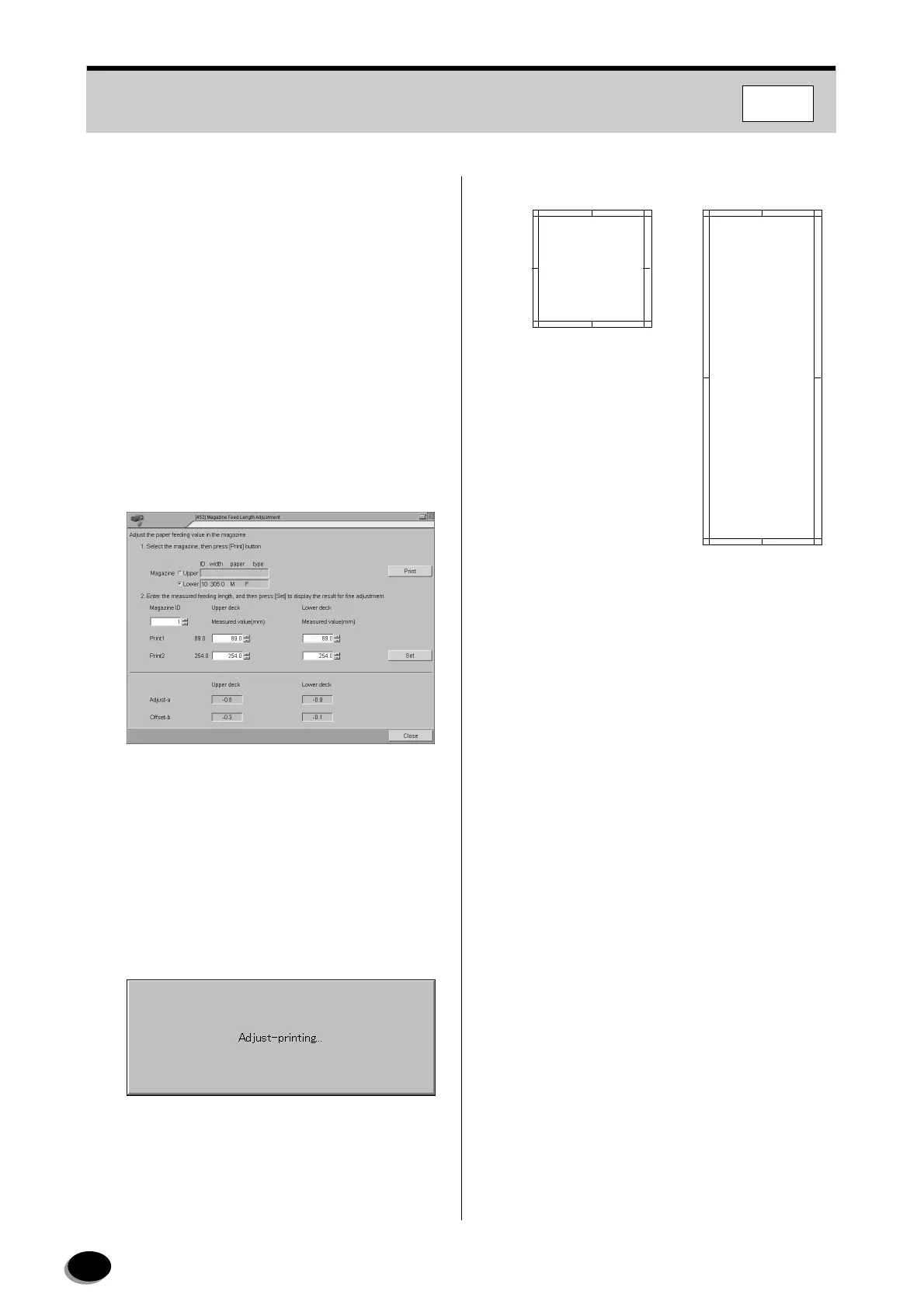
Adjust the paper feed length by entering actual
measurement values.
1
Install a new magazine on the upper magazine
table.
2
Enter new magazine ID in the “Magazine ID”
box.
3
Select “Upper” for “Magazine”.
4
Click the [Print] button.
•Prints 1 and 2 are output in about 2 minutes.
N
TE:
The beginning of back printing is the leading end of
the feed direction.
5
Measure the feed length for the two prints and
record them.
6
Enter the measured value in each “Measured
value” box for “Print 1” and “Print 2”.
7
Click the [Set] button.
8
Exchange the upper and lower magazines.
9
Repeat Steps 3 to 7 for the lower magazine.
10
Click the [Close] button.
• Operation returns to the menu screen.
Print1
Print2
distributed by www.minilablaser.com



 To Next Page