23
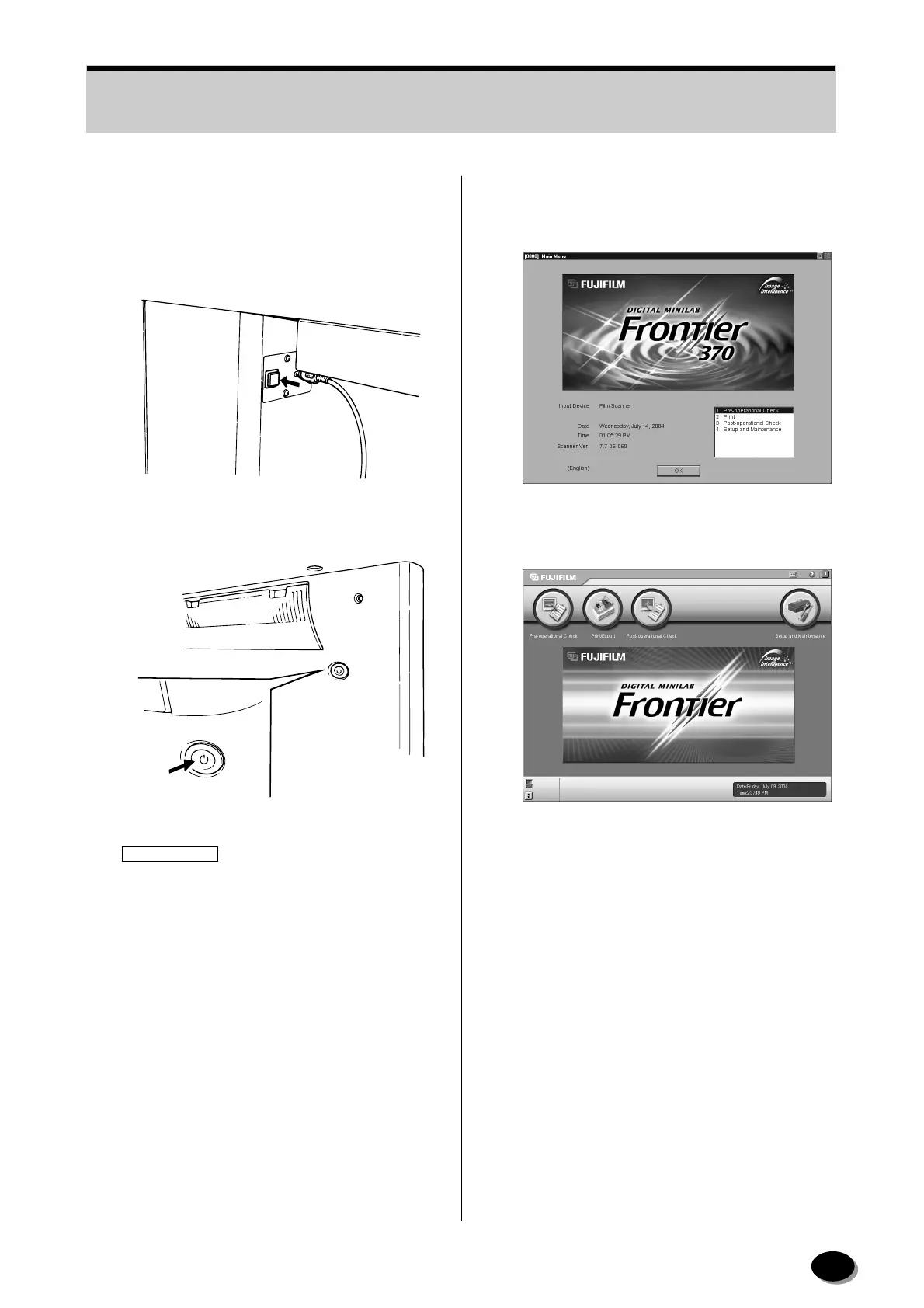
3.1.4 Scanner (SP) Start-up
1
Press the [Start] button to start up the scanner.
[FRONTIER 350/370]
[FRONTIER 355/375/570]
IMPORTANT
When starting up the LP5700, set the power
switch to [STANDBY] during the post-operational
check.
2
Main Menu screen appears.
[FRONTIER 350/370]
[FRONTIER 355/375/570]
EZ1192
Z2040
distributed by www.minilablaser.com



 To Next Page