74
13
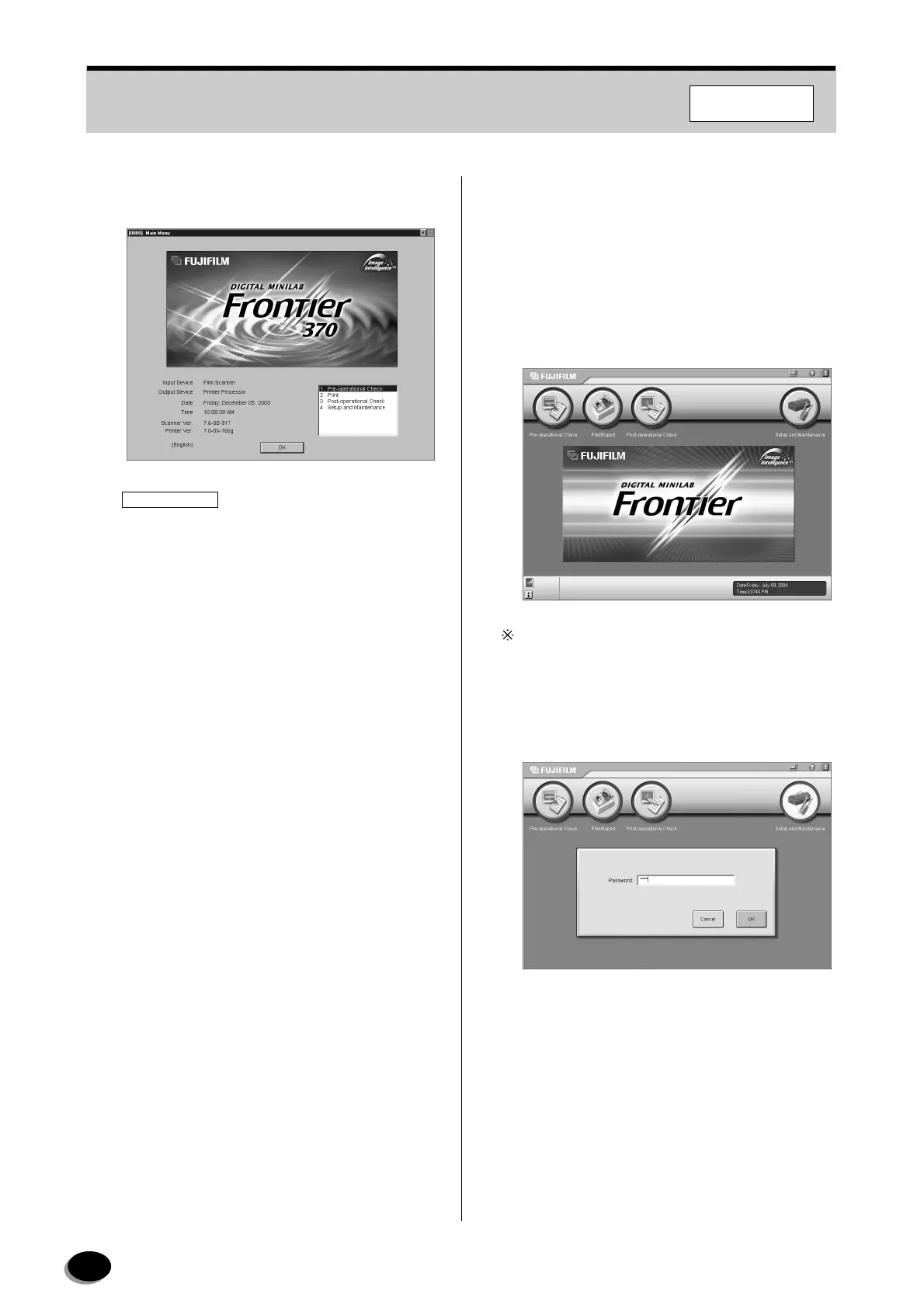
After the restart, the “Main Menu” screen
appears.
IMPORTANT
To perform printing from the Imaging Controller,
set up the FMPC logical device name on the
administration screen in each DI application on
the Imaging Controller.
7.4.2 To Return to Direct-connecting
Type (in FRONTIER 355/375/570)
To return to the direct-connecting type in
FRONTIER 355/375, use the following procedures.
1
On the “Main Menu” screen in the scanner (SP),
click the [Setup and Maintenance] button.
If the “Setup and Maintenance” screen does not
appear, start up the FRONTIER in the stand-alone
mode.
2
Enter the password “7777”, and then click the
[OK] button.
3
Select [01 System Operation Setup and Check] -
[0140 Installation Information Setup].
F355/375/570
distributed by www.minilablaser.com



 To Next Page