35
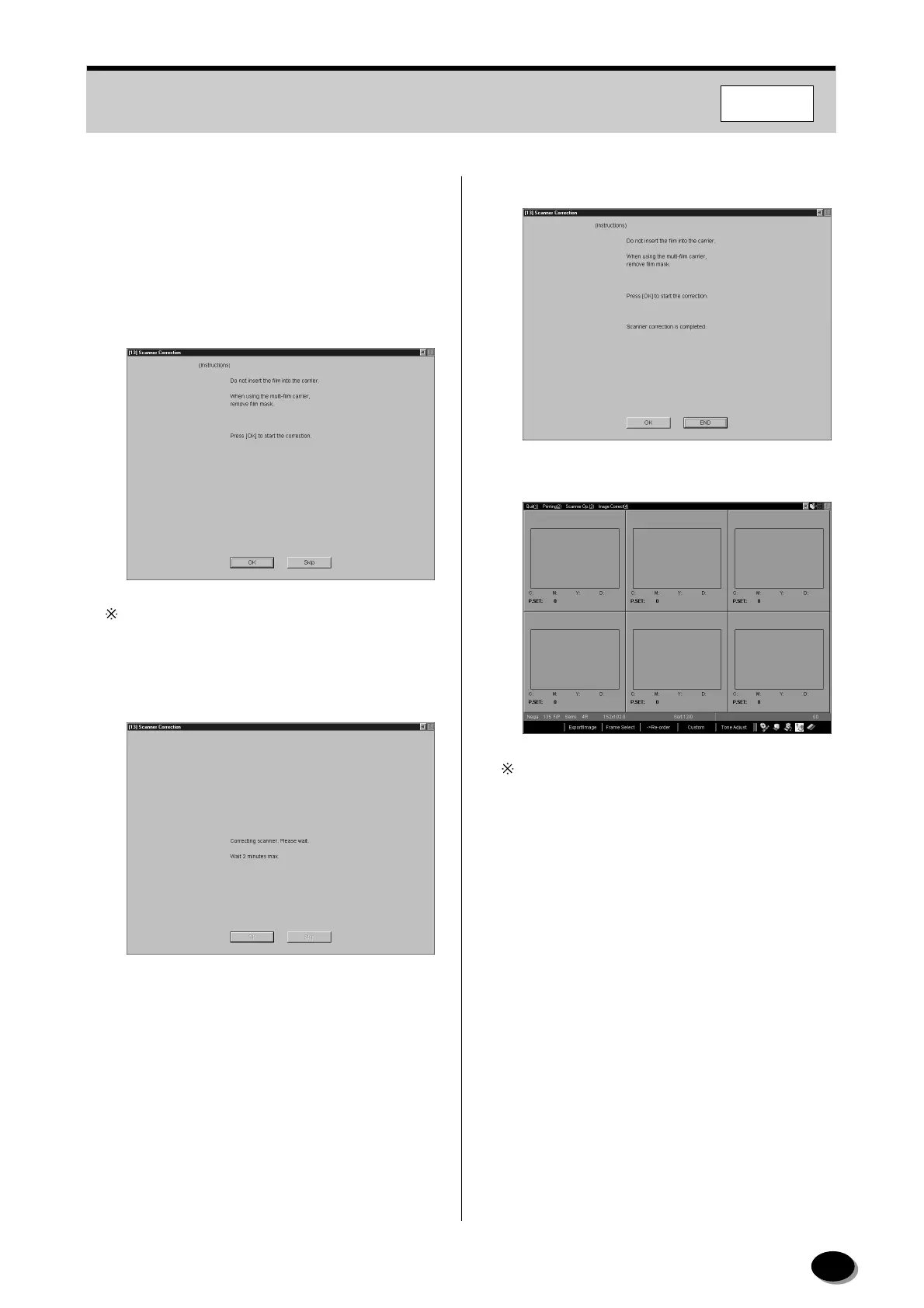
3.3.4 Scanner Correction
Perform this procedure to carry out the automatic
correction of the scanner conditions in order to
obtain consistent print quality.
1
Click [OK].
If the “Wait! Lamp stabilizing” message appears,
wait until it disappears.
•A message appears and the correction is
automatically started.
• After the completion of the correction, the [Skip]
button changes to the [End] button.
2
Click [END].
• The printing screen appears.
Control returns to the Main Menu screen when
skipping the scanner correction or when performing
the scanner correction in the “Setup and
Maintenance”.
F350/370
distributed by www.minilablaser.com



 To Next Page