79
FMPC
8.1.3 Paper Condition Setup
When new paper is loaded, follow the procedure
described below to set up the new paper condition.
1
Open the “4 Setup and Maintenance” menu
screen (see Section 8.1).
2
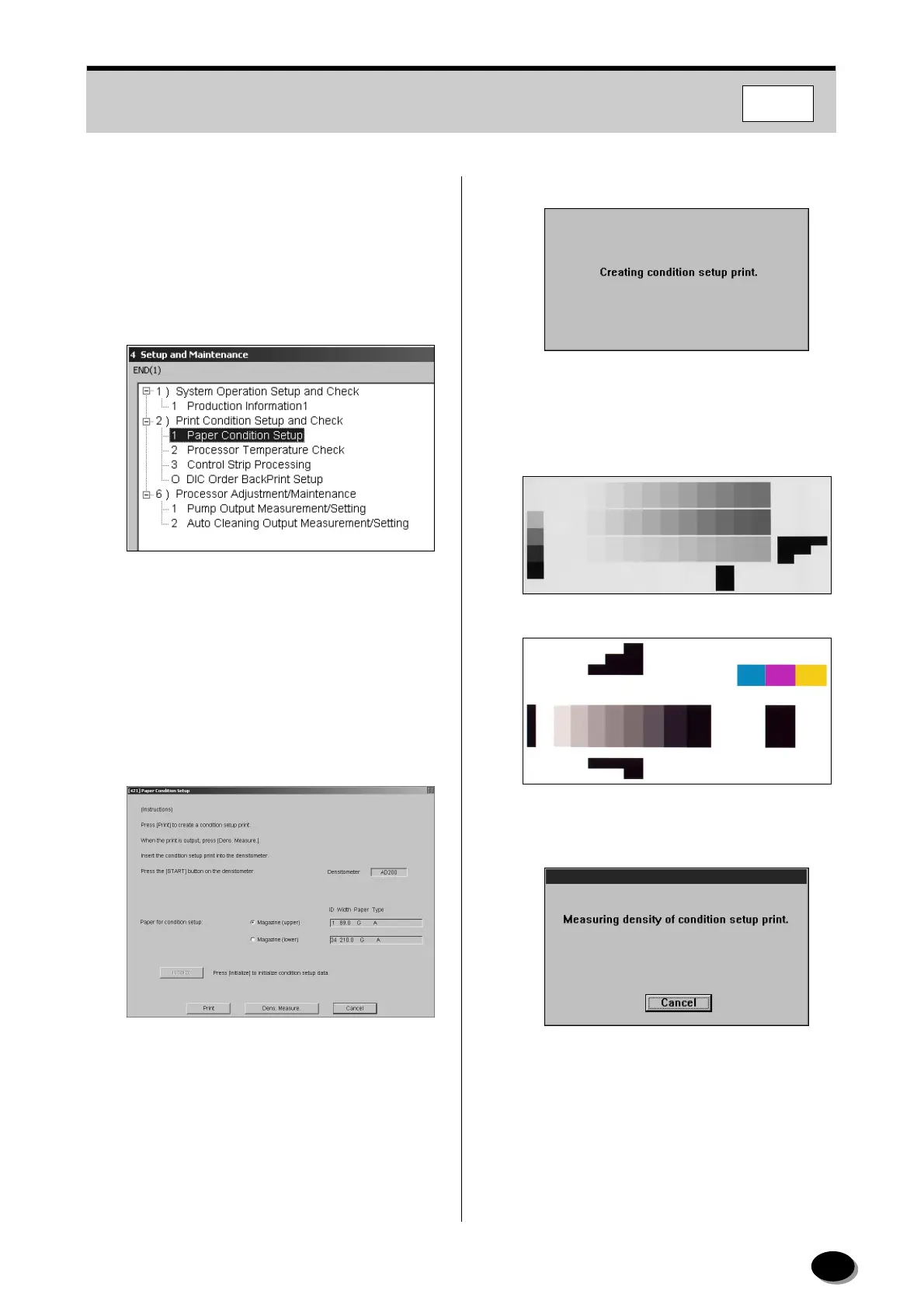
Select the “1 Paper Condition Setup”.
3
Click [START].
• The “[421] Paper Condition Setup” screen
appears.
4
Select the [Magazine Upper] or [Magazine
Lower] to be set up.
5
Click [Print].
• After about 5 minutes, an upkeep print is
delivered to the large-size tray.
• Densitometer AD100:
Densitometer AD200:
6
After the condition setup print has come out,
press the [Dens Measure] button.
distributed by www.minilablaser.com



 To Next Page