136
FMPC
9.2.26 Processor Operating Condition
Setup (46B)
[Selection]
“4 Setup and Maintenance” - “6 Processor
Adjustment/Maintenance” - “B Processor Operating
Condition Setup”
[Procedure]
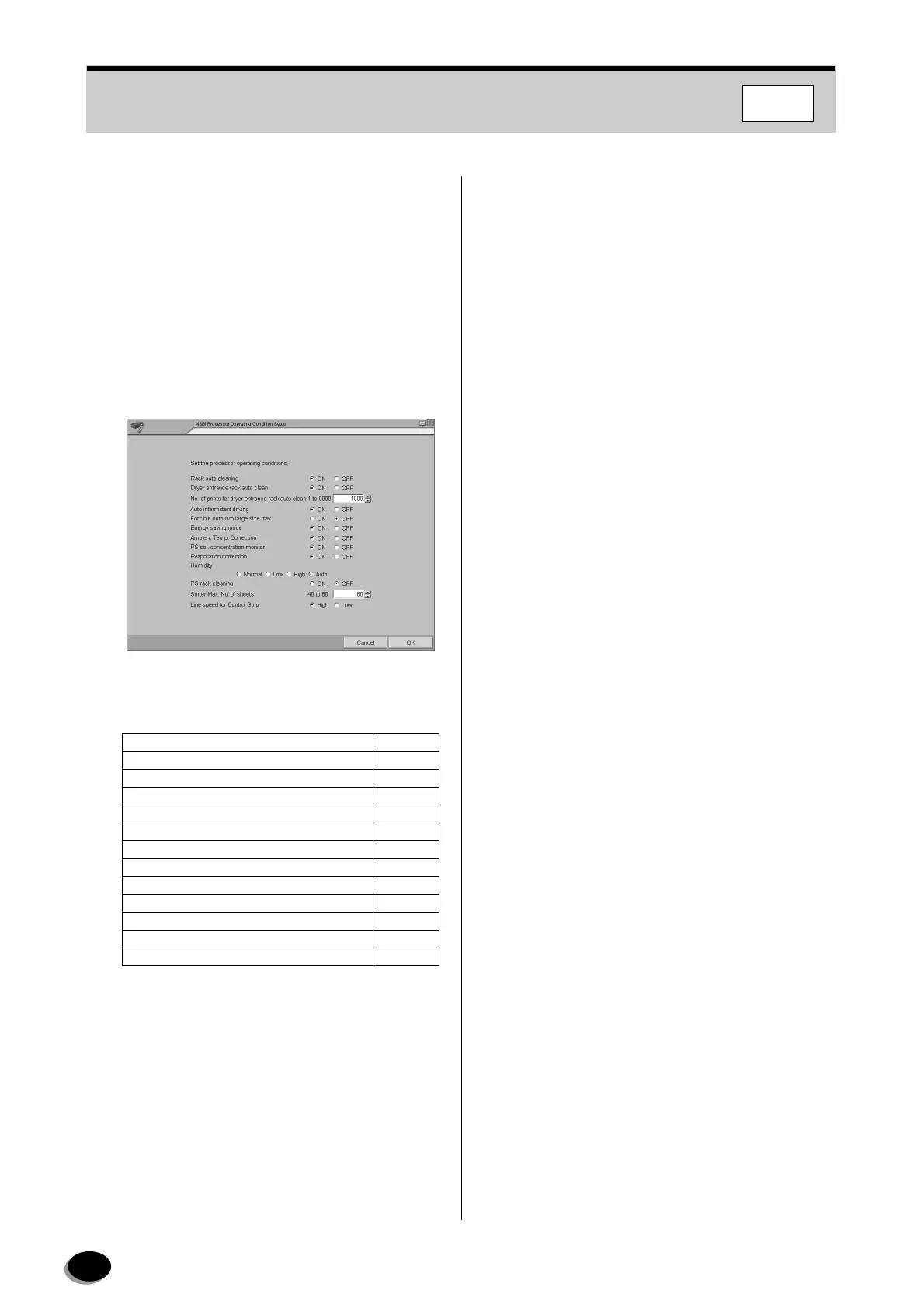
Set the processor operating conditions.
1
Normally set the processor operating conditions
as shown in the table below.
2
Click the [OK] button.
• Operation returns to the menu screen.
Rack auto cleaning ON
Dryer entrance rack auto clean ON
No. of prints for dryer rack auto clean 1000
Auto intermittent driving ON
Forcible output to large size tray OFF
Energy saving mode ON
Ambient temperature correction ON
PS solution concentration monitor ON
Evaporation correction ON
Humidity Auto
PS rack cleaning OFF
Sorter Max. No. of sheets 50
Line speed for control strip High
distributed by www.minilablaser.com



 To Next Page