77
FMPC
8
Setup and Maintenance (FRONTIER 350/370/355/375)
8.1.1 Menu Screen Display
Open the “Setup and Maintenance” operator menu
screen by following the procedures shown below.
1
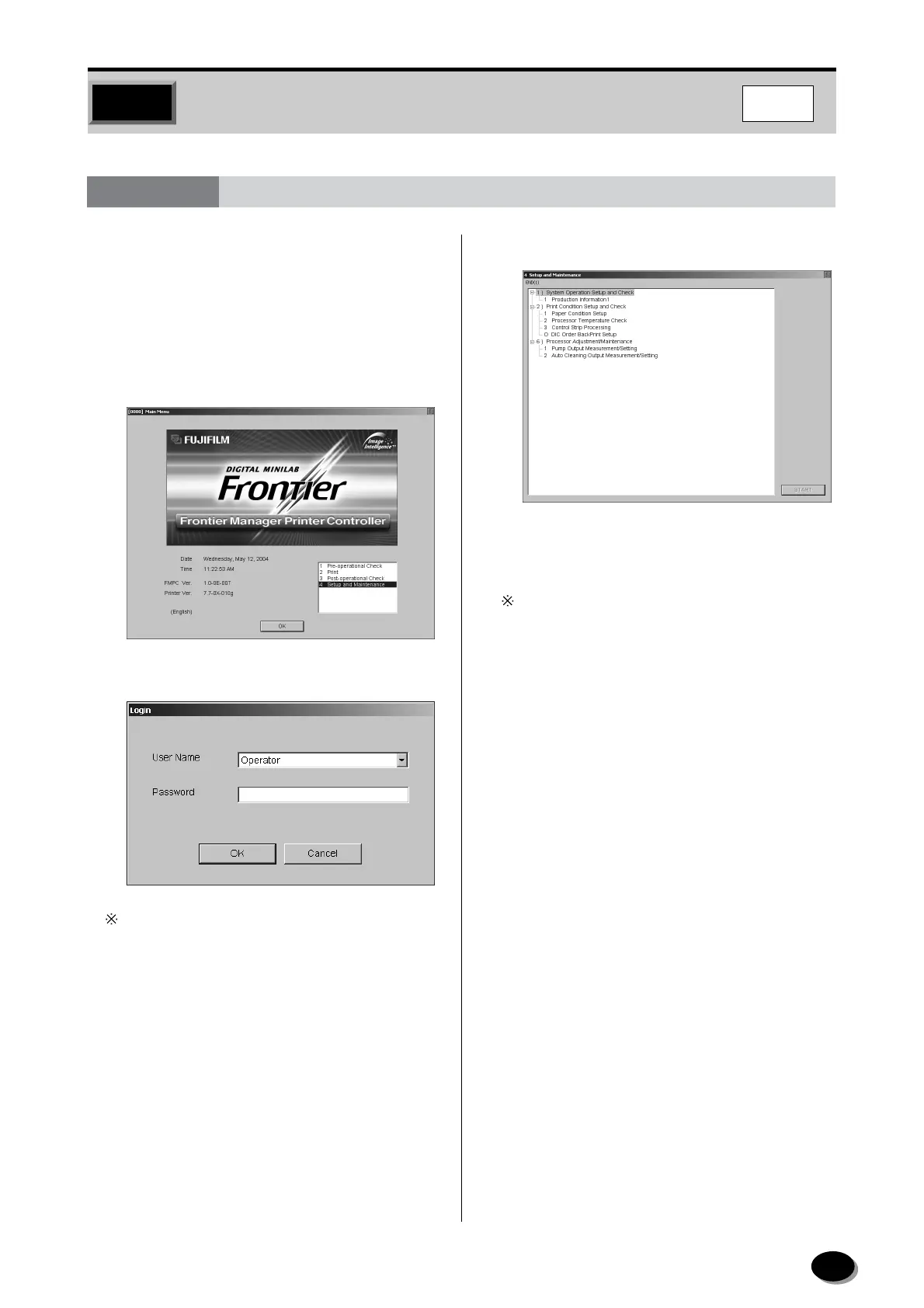
On the “Main Menu”, select the “4 Setup and
Maintenance” and click the [OK] button.
• The “Login” dialog box appears.
Leave blank in the “Password” box when accessing
to the “Operator” in the “User Name” box.
2
Click [OK].
• The menu screen of the “4 Setup and
Maintenance” appears.
The sub-menu disappears by clicking the [–] button
at the left of each item and reappears by clicking
the [+] button.
8.1 Operator Menu
distributed by www.minilablaser.com



 To Next Page