50
2
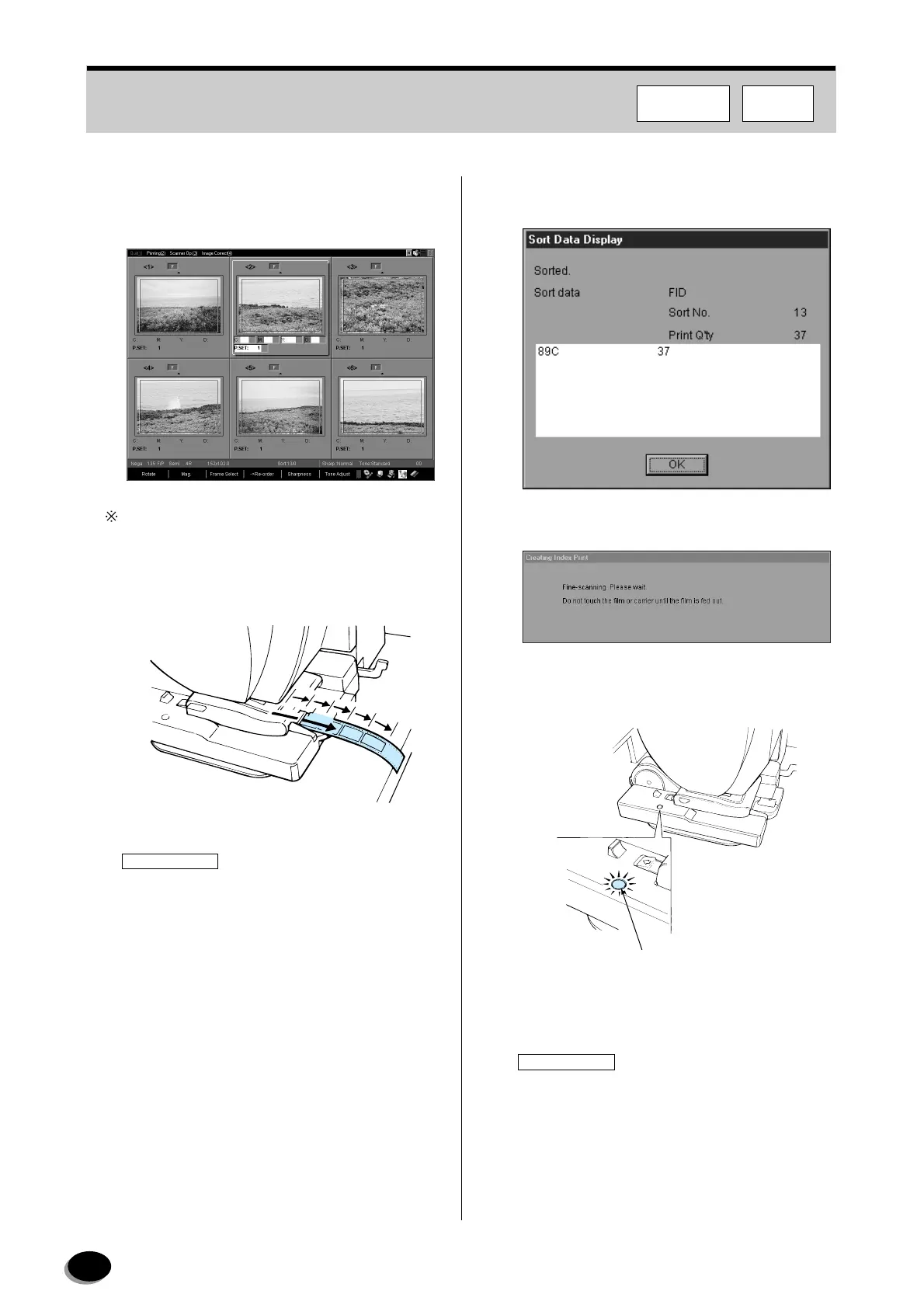
If necessary, correct color and density while
viewing the color positive image on the monitor
screen.
Press the [START/ENTER] key if the film feed mode
is “Semi”.
3
The film is fine-scanned and returned 6 frames
at a time, and printing starts.
IMPORTANT
Do not touch the film while it is being fed through
the carriage. Pulling out the film at this time will
cause abnormal printing results.
4
When the last frame is completed, the sort dialog
box appears automatically.
5
The message shown below appears.
6
The green indicator blinks when the fine-
scanning is completed.
• The order is registered in the FMPC.
IMPORTANT
The orders that are registered in the FMPC
cannot be deleted with the [Print Stop] key. To
delete them, select orders one by one, then click
the [Delete] button on the printing status screen.
EZ639
Indicator Lamp (Green)
EZ1169
FMPCF350/370
distributed by www.minilablaser.com



 To Next Page