68
6
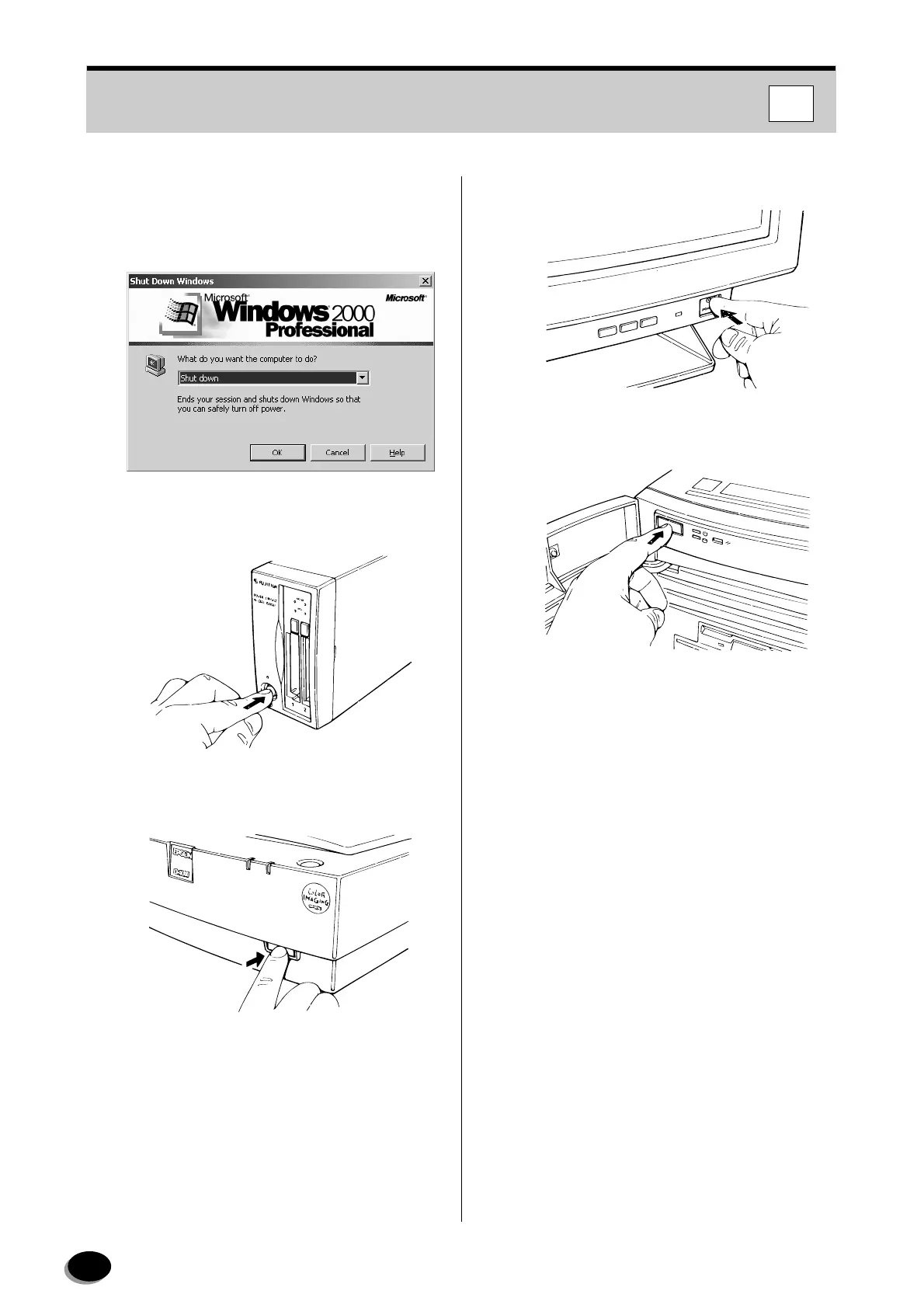
In case of Windows 2000, Select [Shut down]
and click the [OK] button.
[Windows 2000]
7
Turn OFF the media units (PC card reader, CD-
R, Zip, MO drives, etc.)
8
Turn OFF the flatbed scanner.
9
Turn OFF the monitor.
10
Turn OFF the Imaging Controller.
FD034
FD257
FD036
FD032
IC
distributed by www.minilablaser.com



 To Next Page