90
FMPC
12
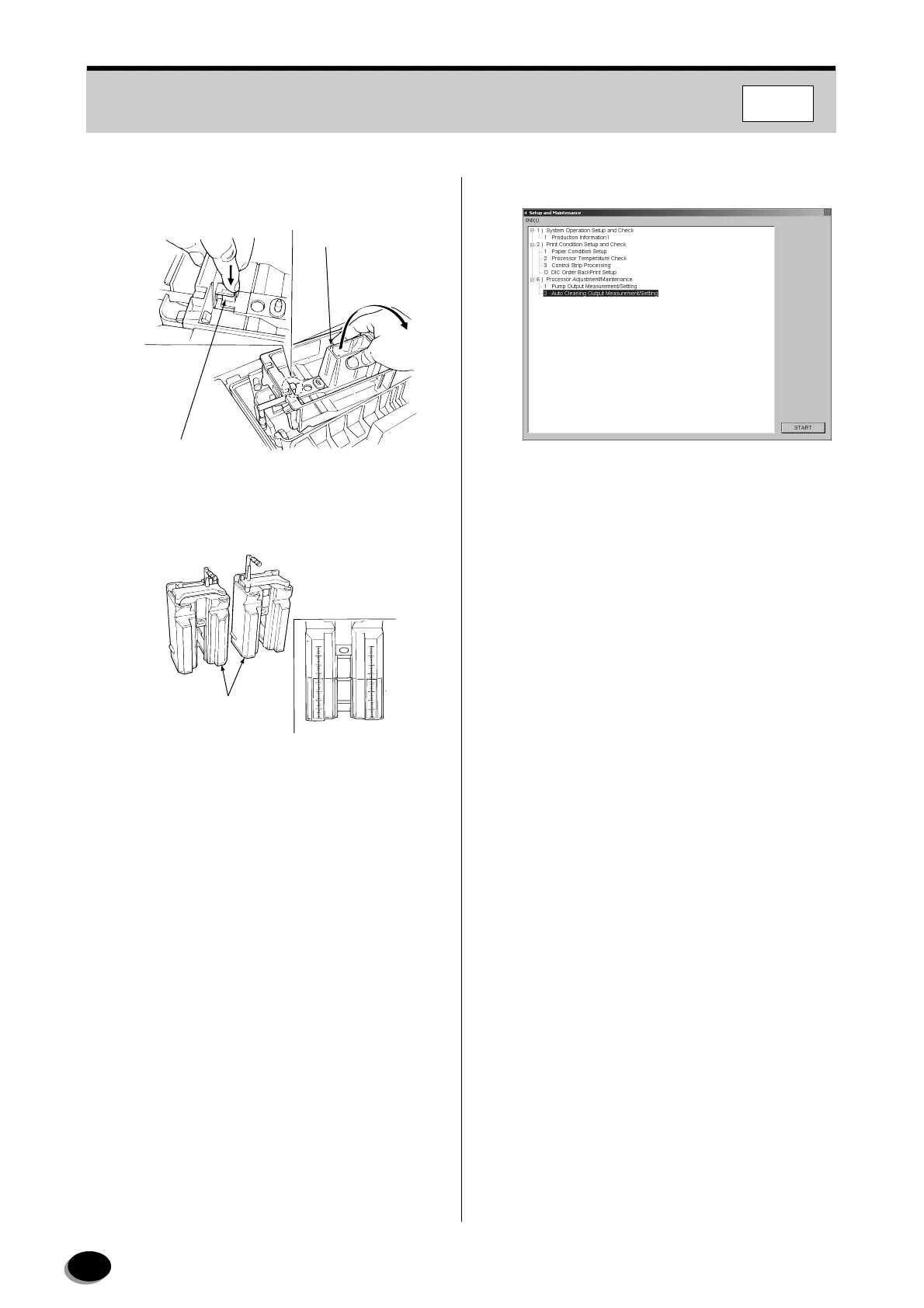
Remove the measuring vessels by releasing the
locks.
13
Hold the measuring vessels upright, read both
vessels, add up the total volume and record it.
14
Discard the solution.
15
Reinstall the washing nozzles into the No.1
crossover rack, and reinstall the crossover rack
on the P1 processing rack.
16
Select “Measured value” for “P1” and enter the
recorded output value using numeric keys or the
[ ↑ ] and [ ↓ ] keys.
17
Select “P2”, “PS1”, and “PS3”, and perform
Steps 11 through 16 successively.
18
Click [OK].
• Control returns to the “4 Setup and
Maintenance” screen.
19
Select the “END [1]” on the menu bar.
• Control returns to the “Main Menu” screen.
20
Reinstall the dryer entrance rack cover and the
processor cover.
Lock Release Lever
Measuring Vessel
EZ1069
Measuring Vessels
EZ1070
distributed by www.minilablaser.com



 To Next Page