6.2 If an Abnormal Pattern Appears on the LED Monitor while No Alarm Code is
Displayed
[ 1 ] – – – – (center bar) appears
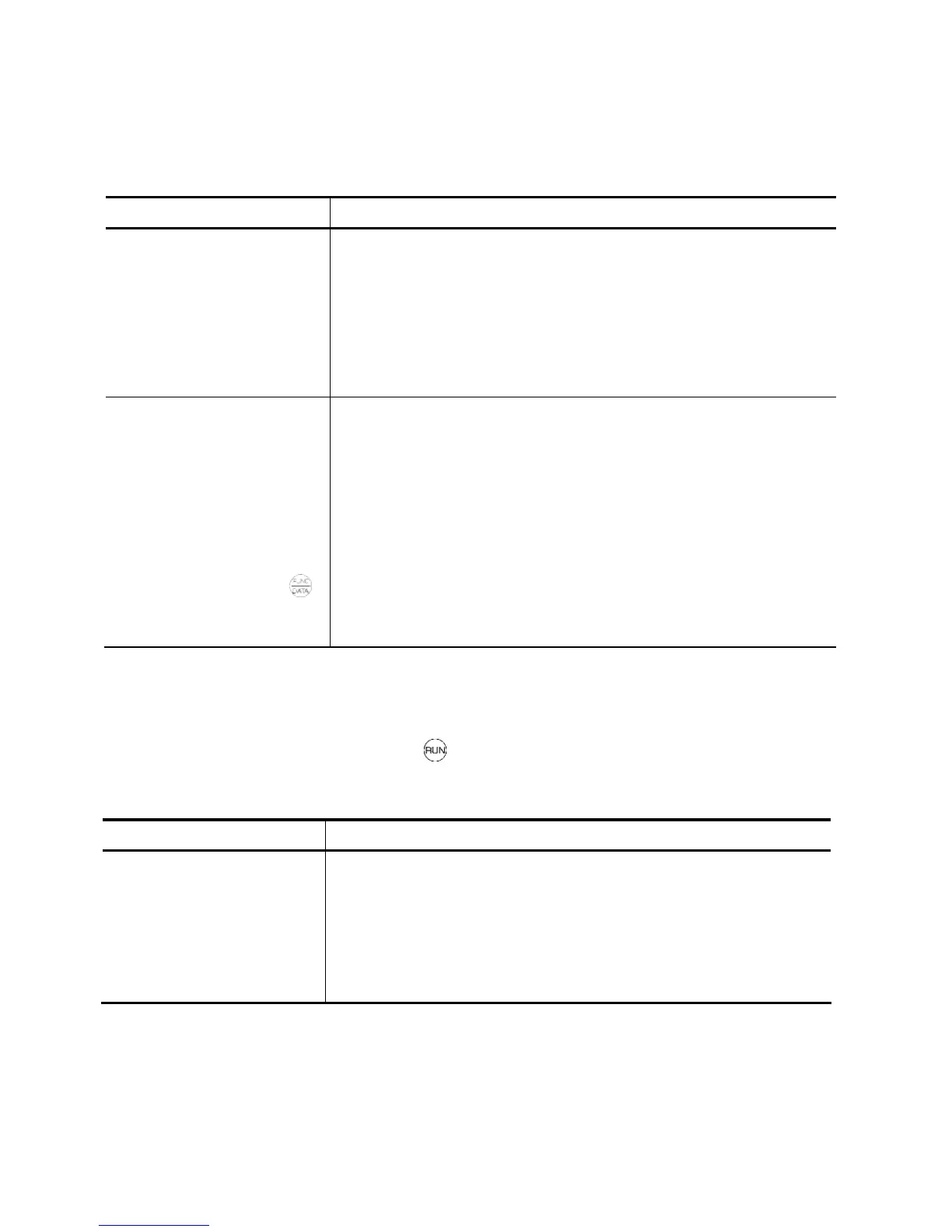
Problem A center bar (– – – –) has appeared on the LED monitor.
Possible Causes What to Check and Suggested Measures
(1) When the PID command
and its feedback amount
are selected as a
monitor item, the PID
control is disabled.
To view other monitor items: Check if E43 = 10 (PID command) or
control is disabled (J01 = 0).
Set J01 to "1" (Enable process control, normal operation) or "2"
(Enable process control, inverse operation).
(2) When timer operation is
disabled (C21 = 0), timer
is selected as a monitor
item (E43 = 13).
When timer operation
had been enabled (C21
= 1) and timer had been
selected as a monitor
item by pressing
the
key,
you disabled timer
operation (C21 = 0).
To view other monitor items: Check if E32 = 13 (Timer).
Set E43 to a value other than "13."
To view timer (s): Check if C21 = 0 (Disable).
Set C21 to "1."
[ 2 ]
_ _ _ _ (under bar) appears
Problem Although you pressed the key or entered a run forward command FWD or a
run reverse command REV, the motor did not start and an under bar ( _ _ _ _ )
appeared on the LED monitor.
Possible Causes What to Check and Suggested Measures
(1) The DC link bus
voltage was low.
Select
5_01
under Menu #5 "Maintenance Information" in
Programming mode on the keypad, then check the DC link bus
voltage that should be 200 VDC and 400 VDC or below for three-
phase 400 V class series.
Connect the inverter to a power supply that meets its input
specifications.



 To Next Page