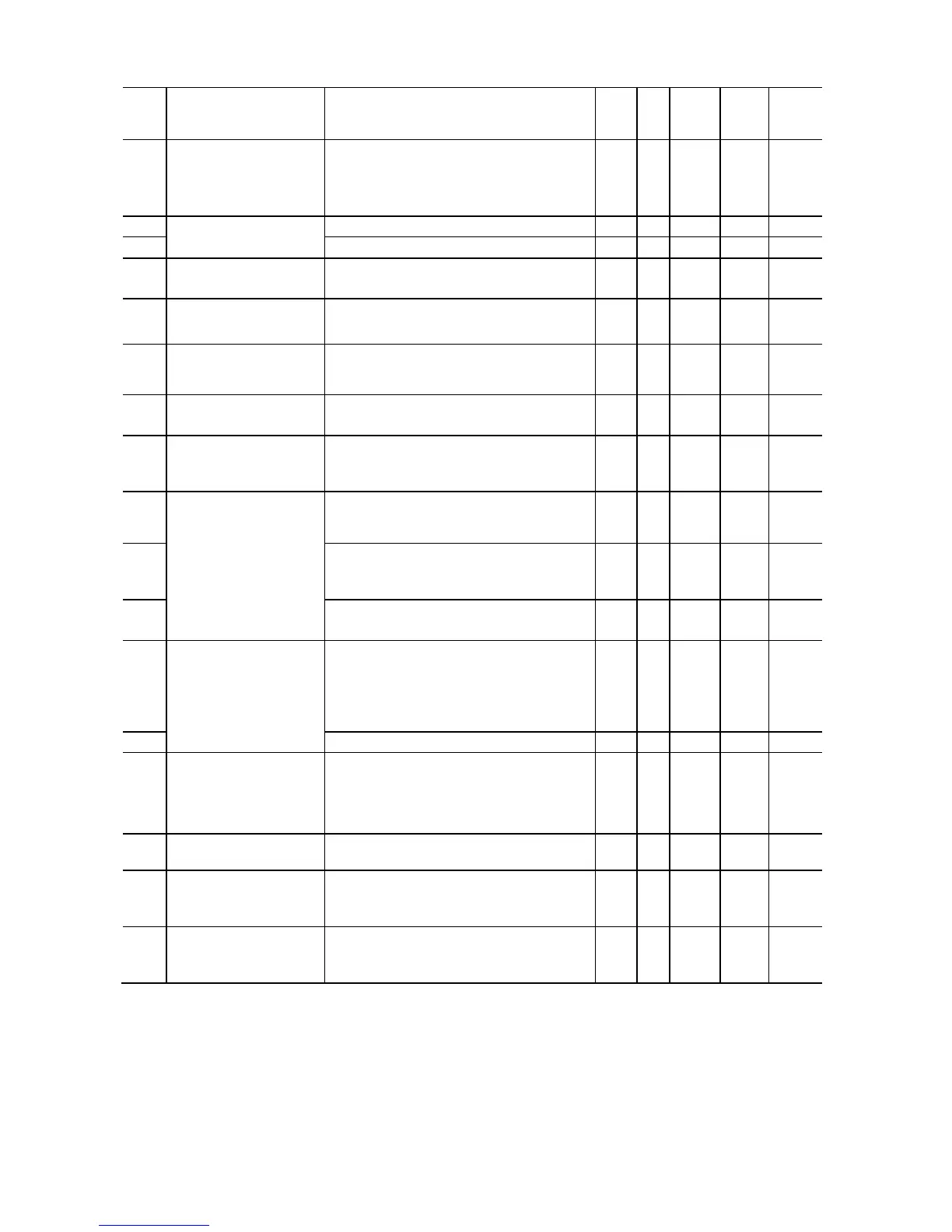
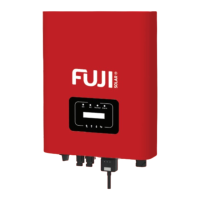
H codes: High Performance Functions
Data setting range
Incre-
0: Disable initialization
1: Initialize all function code data to the
factory defaults
2: Initialize motor 1 parameters
0: Disable (Cooling fan always ON)
1: Enable (ON/OFF control effective)
1: Enable (Reverse rotation inhibited)
2: Enable (Forward rotation inhibited)
H12 Instantaneous
Overcurrent Limiting
0: Disable
1: Enable
– – Y Y 1
Momentary Power
Failure (Restart time)
(Frequency fall rate)
(Continuous running
level) *1
H14 0.00
0.01 to 100.00
999
0.01 Hz/s
Y Y 999
H15 200 to 300 (for 200 V class series)
400 to 600 (for 400 V class series)
1 V Y Y2 235
470
H26 Thermistor for Motor
(Mode selection)
0: Disable
1: Enable (With PTC, the inverter
immediately trips with
0h4
displayed.)
2 Enable (With PTC, the inverter issues
output signal
and continues to run.
– – Y Y 0
H30 Communications Link
Function
(Mode selection)
Frequency command Run command
0: F01/C30 F02
1: RS-485 F02
2: F01/C30 RS-485
Cumulative Run Time of
Cooling Fan
Indication for replacement of cooling fan
(0 to 9999, in units of 10 hours)
Indication of cumulative startup count
H45 Mock Alarm 0: Disable
1: Enable (Once a mock alarm occurs, the
data automatically returns to 0.)
– – Y N 0



 To Next Page