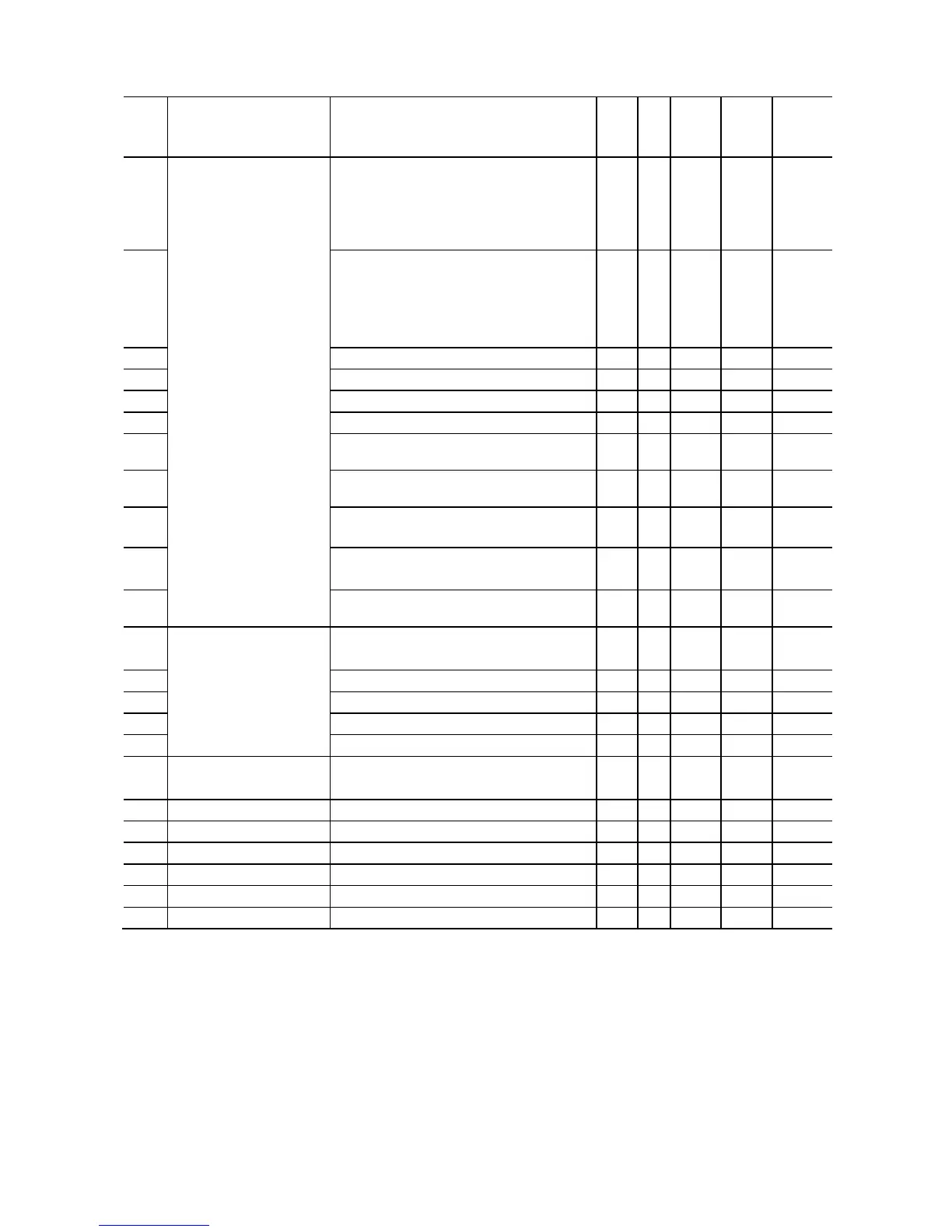
J codes: Application Functions
Default
setting
J01 PID Control
(Mode selection)
(Integral time)
D (Differential time)
(Feedback filter)
(Operation level
for slow flowrate stop)
(Elapsed time
from slow flowrate stop)
(Initiation frequency)
(Initiation deviation level
for slow flowrate stop)
(Start latency time
for slow flowrate stop)
0: Disable
1: Enable (Process control, normal
operation)
2: Enable (Process control, inverse
operation)
– – N Y 0
J02 0: UP/DOWN keys on keypad
1: PID process command 1
(Analog input terminals [12] and [C1])
3: Terminal command UP/DOWN control
4: Command via communications link
– – N Y 0
J03 0.000 to 30.00 *1 0.001
Y Y 0.100
J04 0.0 to 3600 *1 0.1 s Y Y 0.0
J05 0.00 to 600.0 *1 0.01 s Y Y 0.00
J06 0.0 to 900.0 0.1 s Y Y 0.5
J15 0.0 (Disable), 1.0 to 400.0 0.1 Hz Y Y 0.0
J17 0.0 to 400.0 0.1 Hz Y Y 0.0
J23 0.0 to 100.0 0.1 % Y Y 0.0
Traverse acceleration time
0.1 to 120.0 sec 0.1 s Y Y 25.0
J92
Traverse deceleration time
0.1 to 120.0 sec 0.1 s Y Y 25.0
J93
0.0 to 20.0% 0.1 % Y Y 10.0
J94
0.0 to 50.0% 0.1 % Y Y 10.0
J95
0.0 to 20.0% 0.1 % Y Y 0.0
J96
0.0 to 20.0% 0.1 % Y Y 0.0
*1 When you make settings from the keypad, the incremental unit is restricted by the number of digits that the LED monitor
can display.
(Example) If the setting range is from -200.00 to 200.00, the incremental unit is:
"1" for -200 to -100, "0.1" for -99.9 to -10.0 and for 100.0 to 200.0, and "0.01" for -9.99 to -0.01 and for 0.00 to 99.99.



 To Next Page