Ready for jogging -- JOG (Function code data = 10)
This terminal command is used to jog or inch the motor for positioning a work piece.
Turning this command ON makes the inverter ready for jogging.
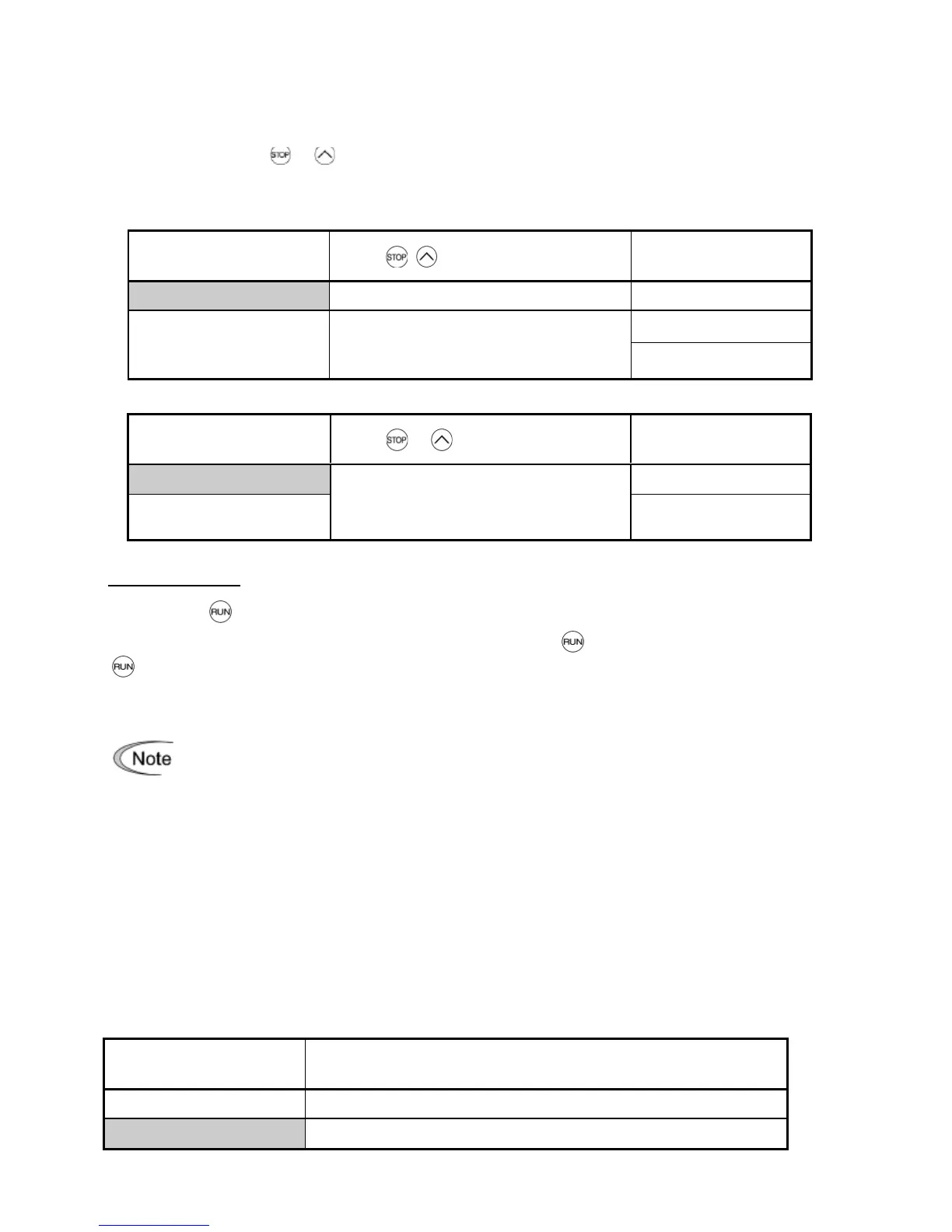
Simultaneous keying + keys on the keypad is functionally equivalent to this command;
however, it is restricted by the run command source as listed below. When
the run command source is the keypad (F02 = 0, 2 or 3):
When the run command source is digital input (F02 = 1):
Input terminal
command
JOG
Normal operation
Jogging operation
Pressing the key or turning the FWD or REV terminal command ON starts jogging.
For the jogging by the keypad, the inverter jogs only when the key is held down. Releasing the
key decelerates to stop.
During jogging, the frequency specified by C20 (Jogging Frequency) and the
acceleration/deceleration time specified by H54 (ACC/DEC Time) apply.
• The inverter’s status transition between "ready for jogging" and "normal
operation" is possible only when the inverter is stopped.
• To start jogging operation by simultaneously entering the JOG terminal command and a
run command (e.g., FWD), the input delay time between the two commands should be
within 100 ms. If a run command FWD is entered first, the inverter does not jog the motor
but runs it ordinarily until the next input of the JOG.
Select frequency command 2/1 -- Hz2/Hz1 (Function code data = 11)
Turning this terminal command ON and OFF switches the frequency command source
between frequency command 1 (F01) and frequency command 2 (C30).
If no Hz2/Hz1 terminal command is assigned, the frequency sourced by F01 takes effect by default.
Input terminal
command
Hz2
/
Hz1



 To Next Page