Operating procedure for timer operation (example)
Preparation
• To display the timer count on the LED monitor, set E43 (LED Monitor) to "13" (Timer) and
set C21 (Timer Operation) to "1" (Enable).
• Specify the reference frequency to apply to timer operation. When the keypad is selected
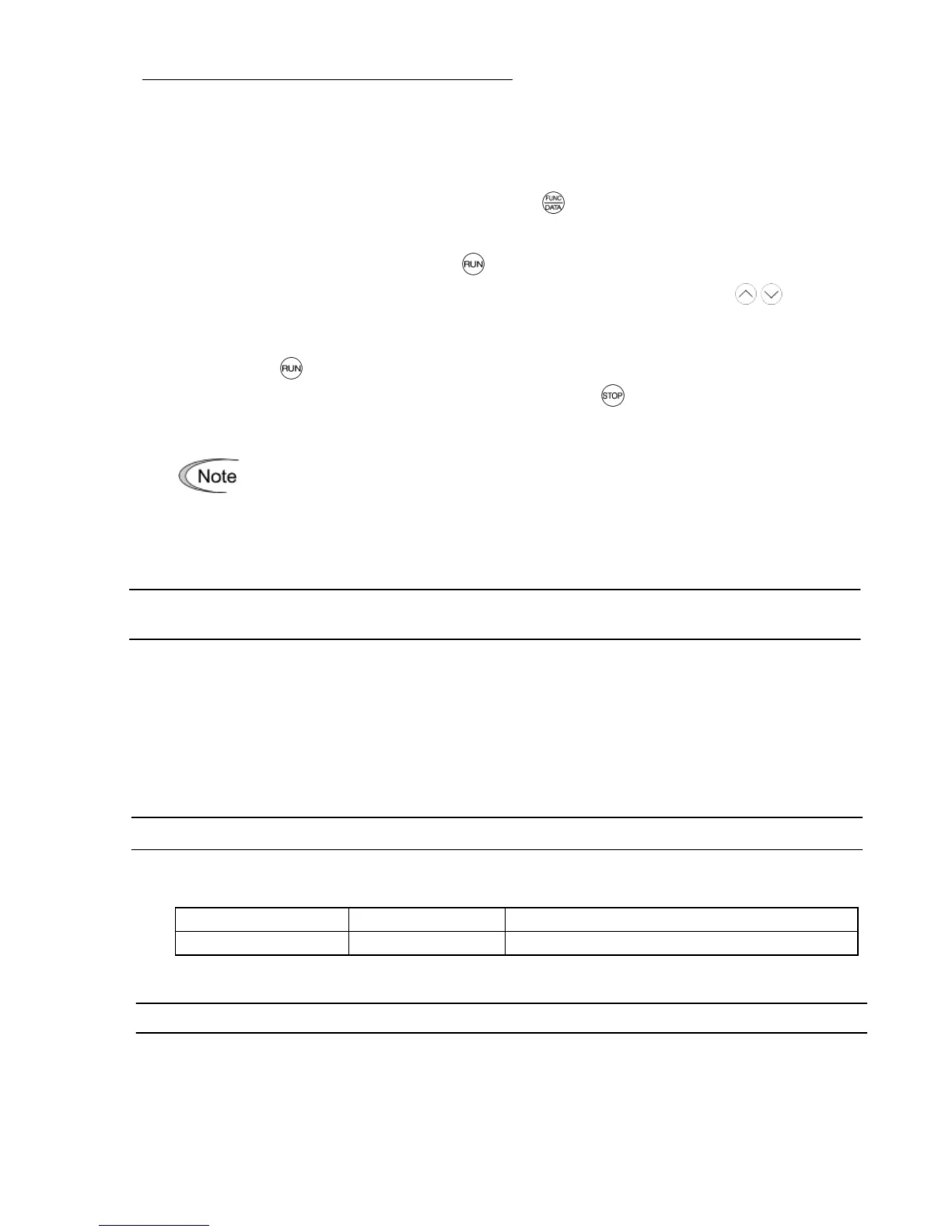
as a frequency command source, press the key to shift to the speed monitor and
specify the desired reference frequency.
Triggering the timer operation with the key
(1) While watching the timer count displayed on the LED monitor, press the / key to set
the timer for the desired count in seconds. Note that the timer count on the LED monitor
appears as an integral number without a decimal point.
(2) Press the key. The motor starts running and the timer starts counting down. If the timer
counts down, the motor stops without pressing the key. (Even if the LED monitor
displays any item except the timer count, the timer operation is possible.)
After the countdown of the timer operation triggered by a terminal command such
as FWD, the inverter decelerates to stop and at that moment the LED monitor
displays
end
and any LED monitor item
(
0
for the timer count) alternately. Turning
FWD OFF returns to the LED monitor item.
C33
Analog Input Adjustment for Terminal [12] (Filter time constant)
C38 Analog Input Adjustment for Terminal [C1] (Filter time constant)
C33 and C38 configure a filter time constant for an analog voltage and current input on
terminals [12] and [C1], respectively.
The larger the time constant, the slower the response. Specify the proper filter time constant
taking into account the response speed of the machine (load). If the input voltage fluctuates
due to line noise, remove the cause of the noise or take an electric circuit related measure.
Only when no effect is obtained, increase the time constant.
P02
Motor 1 (Rated capacity)
P02 specifies the rated capacity of the motor. Enter the rated value given on the nameplate of
the motor.



 To Next Page