HINT
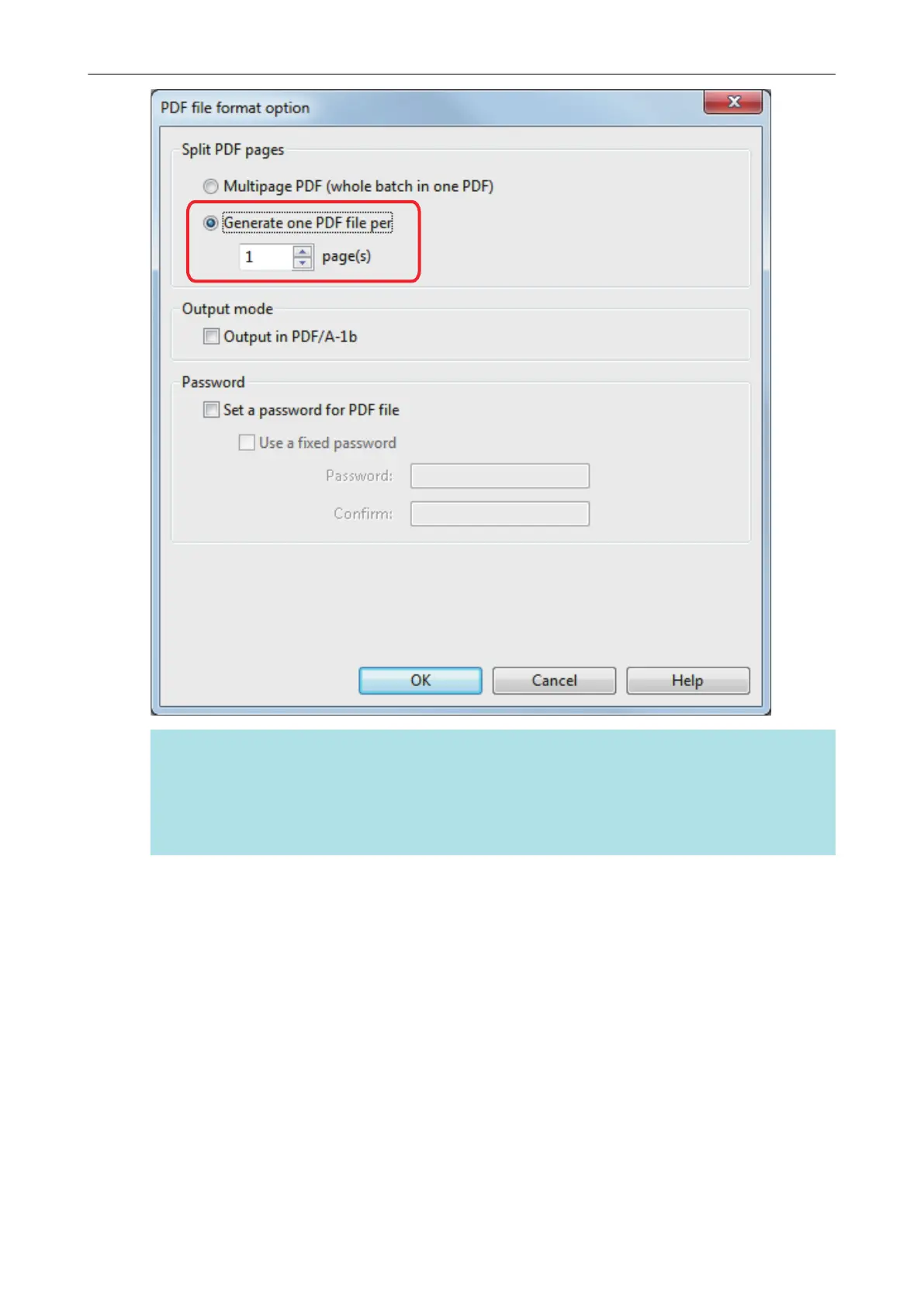
In duplex mode, two pages (front and back) are created per document.
When you select the [Blank page removal] checkbox in the [Scanning] tab, the number of pages
of the original document and the scanned image does not match because blank pages are
deleted. Clear this checkbox when you want to keep the original page number order.
3. Click the [OK] button to close all the windows.
Saving Scanned Images in Multiple PDF Files
100















 To Next Page