Reducing Faded Colors and Blown-Out Highlights
(For SV600)
Faded colors and blown-out highlights can be reduced in the scanned image.
ATTENTION
When the [Thicken color images] checkbox is selected, the following checkboxes are disabled:
l [Reduce bleed-through] checkbox
l [Brightness (black & white only)] checkbox
l [Increase text contrast] checkbox
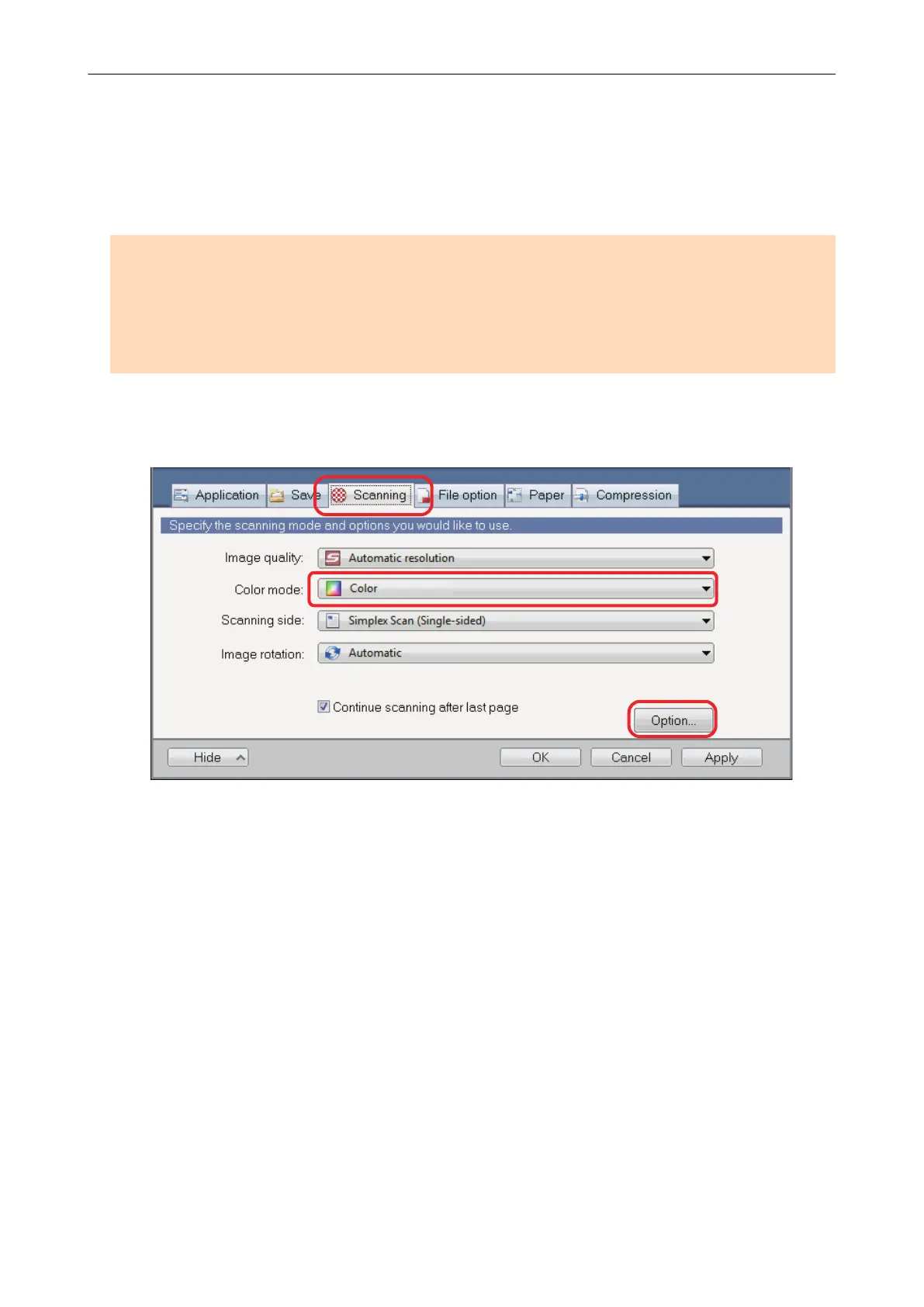
1. In the ScanSnap setup window, select the [Scanning] tab, select [Color] for
[Color mode], and click the [Option] button.
a The [Scanning mode option] window appears.
2. Click the [Image quality] tab, and select the [Thicken color images]
checkbox.
Reducing Faded Colors and Blown-Out Highlights (For SV600)
95















 To Next Page