Adding Profiles
This section explains how to add a profile.
Up to 20 profiles can be saved including the [Standard] profile.
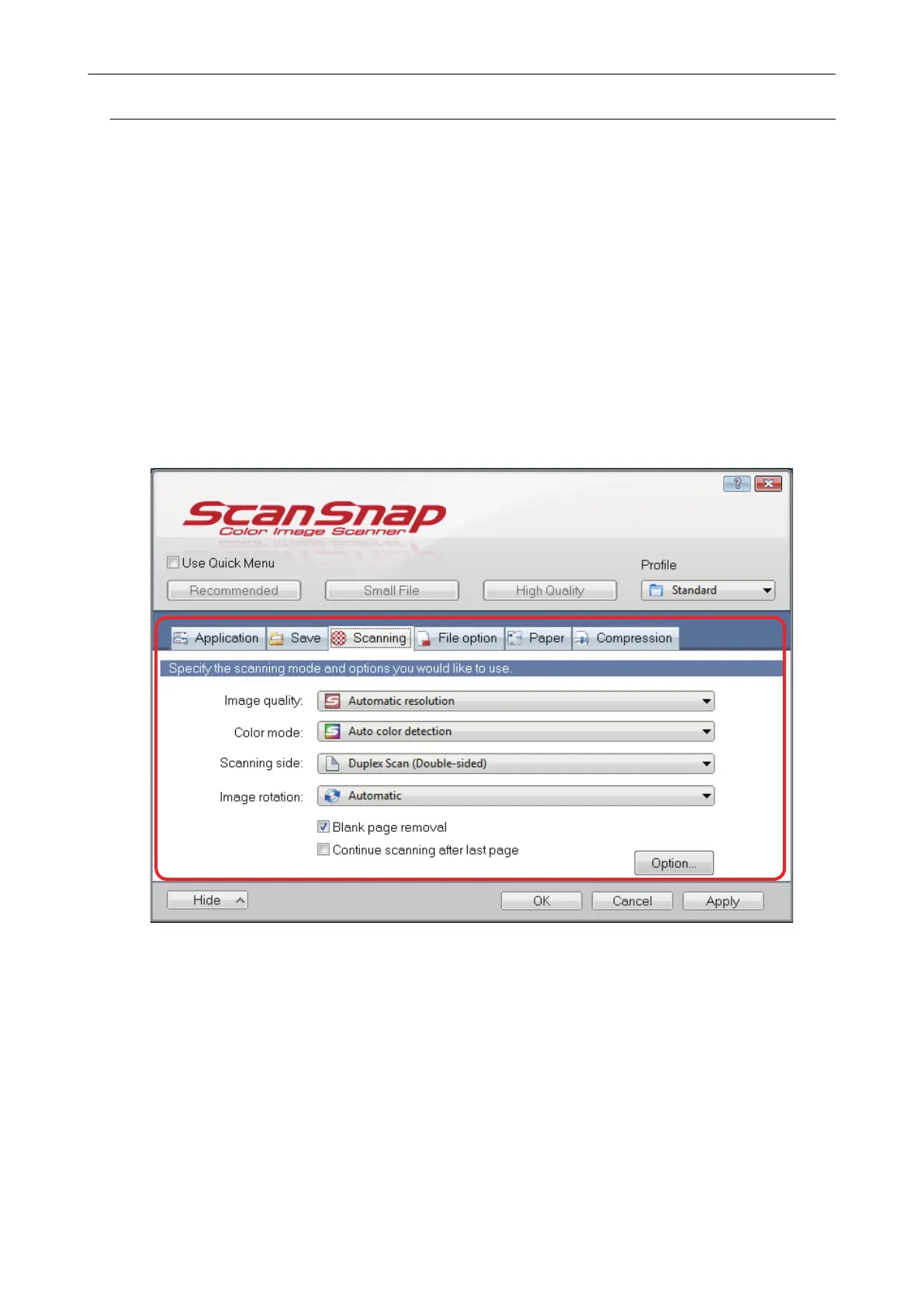
1. Select [Scan Button Settings] from the Right-Click Menu.
a The ScanSnap setup window appears.
2. Clear the [Use Quick Menu] checkbox.
3. Configure the scan settings in each tab.
For details about each tab, refer to the ScanSnap Manager Help.
4. Select [Add Profile] from the [Profile].
Profile Management
65















 To Next Page