Deleting Paper Sizes
This section explains how to delete a custom paper size.
1. Select [Scan Button Settings] from the Right-Click Menu.
a The ScanSnap setup window appears.
2. In the ScanSnap setup window, select the [Paper] tab, and click the
[Customize] button.
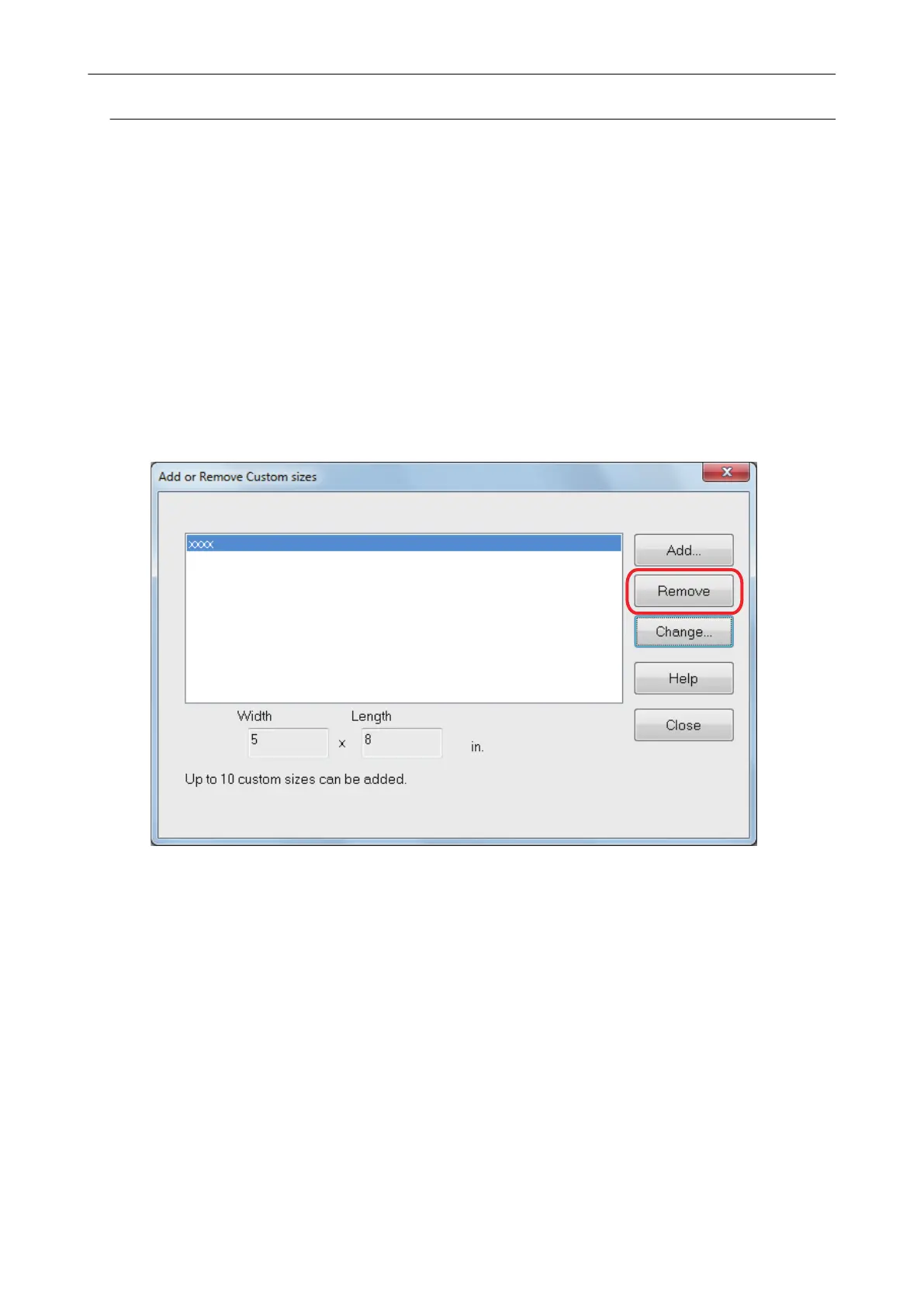
a The [Add or Remove Custom sizes] window appears.
3. Click the [Remove] button.
a A confirmation message appears.
4. Read the message, and then click the [Yes] button.
a The custom size is deleted from the [Add or Remove Custom sizes] window.
5. Click the [Close] button to close the window.
a The custom size is deleted from [Paper size].
Managing Custom Paper Sizes
146















 To Next Page