Saving the Scanned Images of a Book as Separate
Single-Page Images (For SV600)
When a book is scanned, the double-page spread image can be split into two images, one on the
left-side and one on the right-side.
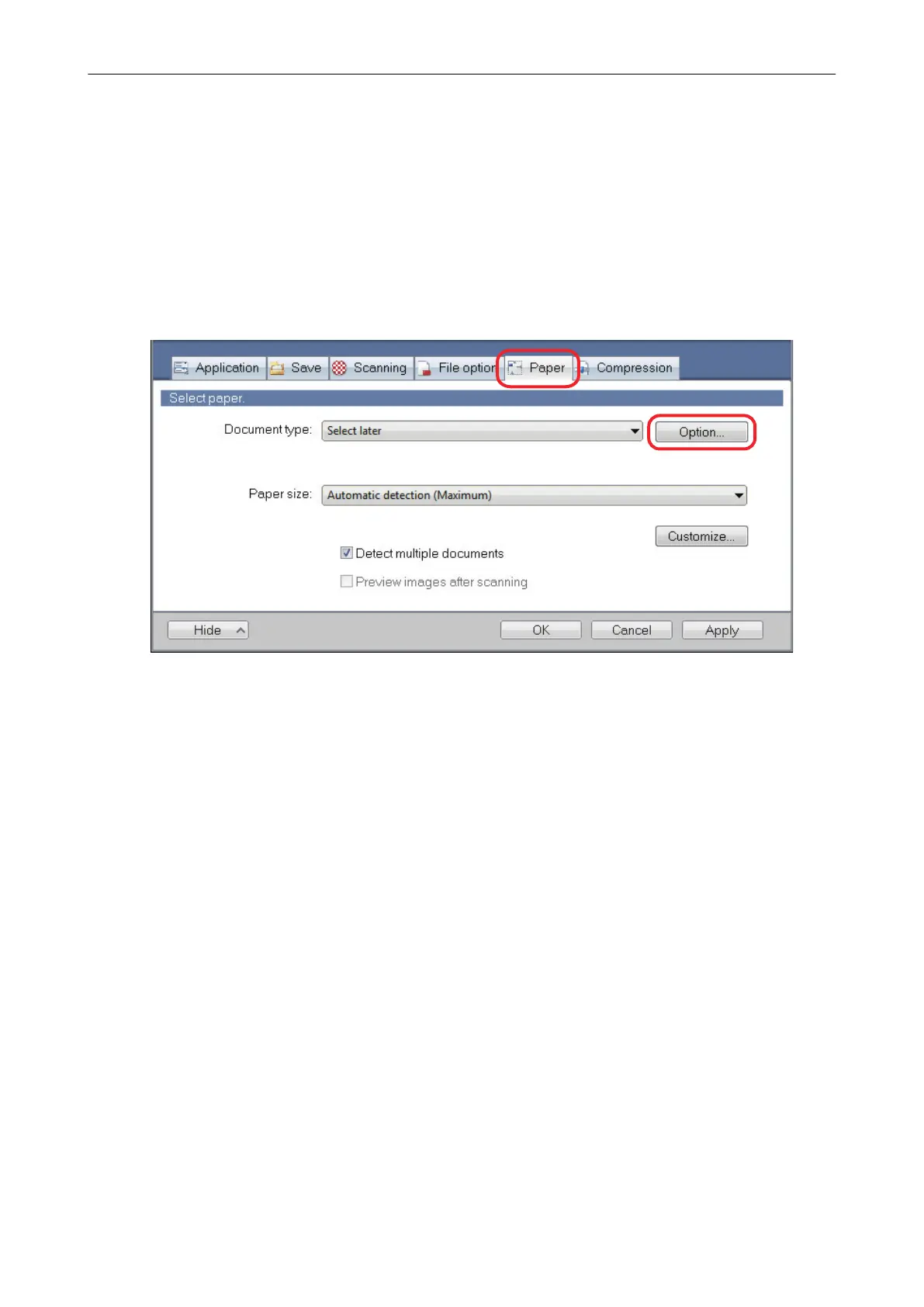
1. In the ScanSnap setup window, select the [Paper] tab, and click the [Option]
button.
a The [Options] window appears.
2. Select the order in which single pages on a double-page spread image are to
be saved.
Saving the Scanned Images of a Book as Separate Single-Page Images (For SV600)
101















 To Next Page