When Two ScanSnaps Are Connected to a Computer
(For SV600)
This section explains the operations that can be performed when two ScanSnaps are connected to a
computer.
ScanSnap Models That Can Be Connected
You can use SV600 and another ScanSnap connected to a computer.
The following ScanSnap models can be connected to a computer and used together with SV600:
l iX500
l iX100
l S1500
l S1500M
l S1300i
l S1300
l S1100i
l S1100
Changing the Settings for Each ScanSnap
When you connect SV600 and another ScanSnap to a computer, you can change the scan settings
or manage profiles for each ScanSnap in the following windows.
l ScanSnap setup window
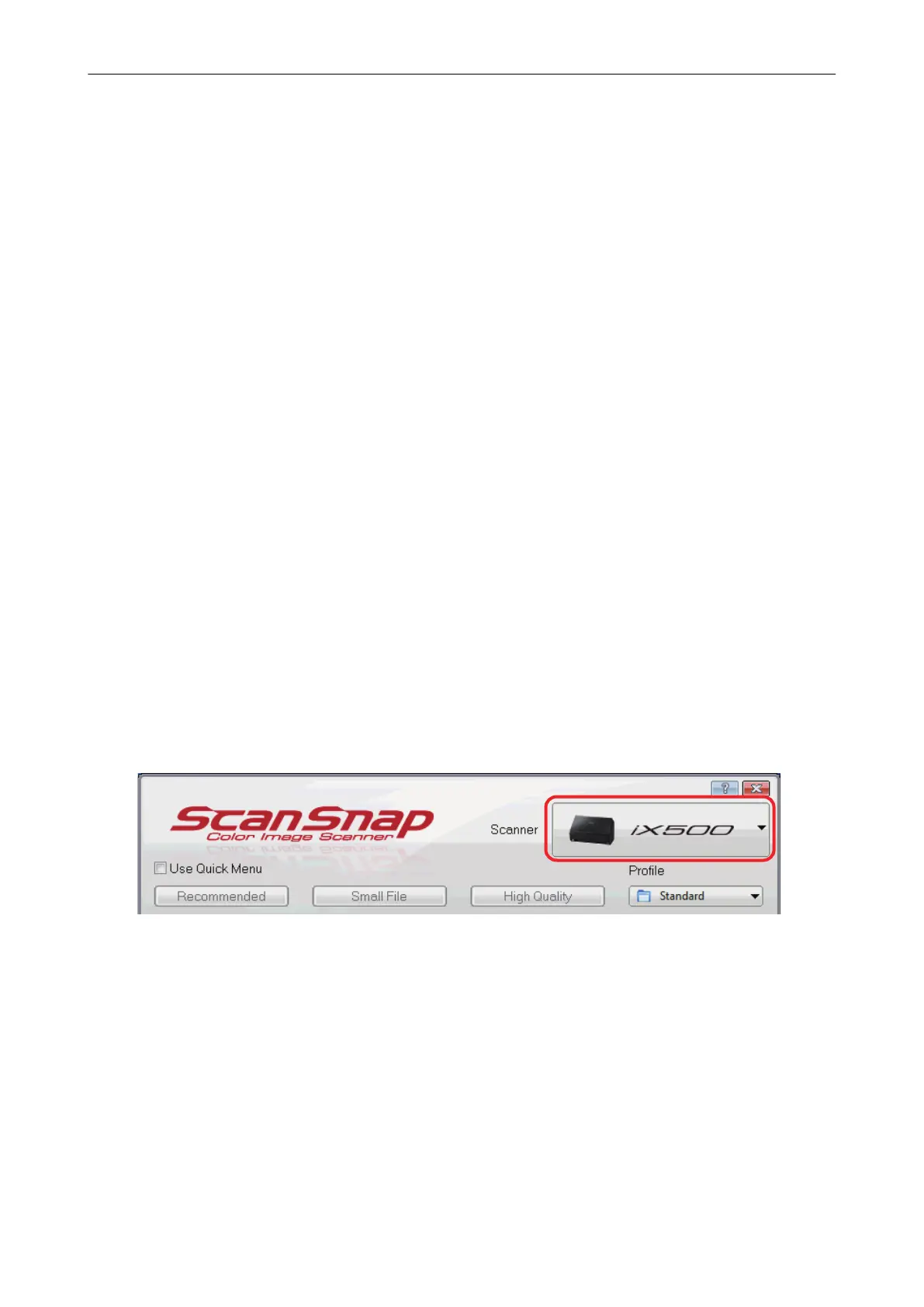
Select a model name from [Scanner], and then change the scan settings for each of the
connected ScanSnap models.
For details about changing the scan settings, refer to "How to Configure Scan Settings" (page
125).
l [ScanSnap Manager - Profile Management] window
You can manage profiles for each of the connected ScanSnap models.
Select a model name from [Scanner], and then perform desired operations.
When Two ScanSnaps Are Connected to a Computer (For SV600)
151















 To Next Page