Adding Applications
This section explains how to add an application.
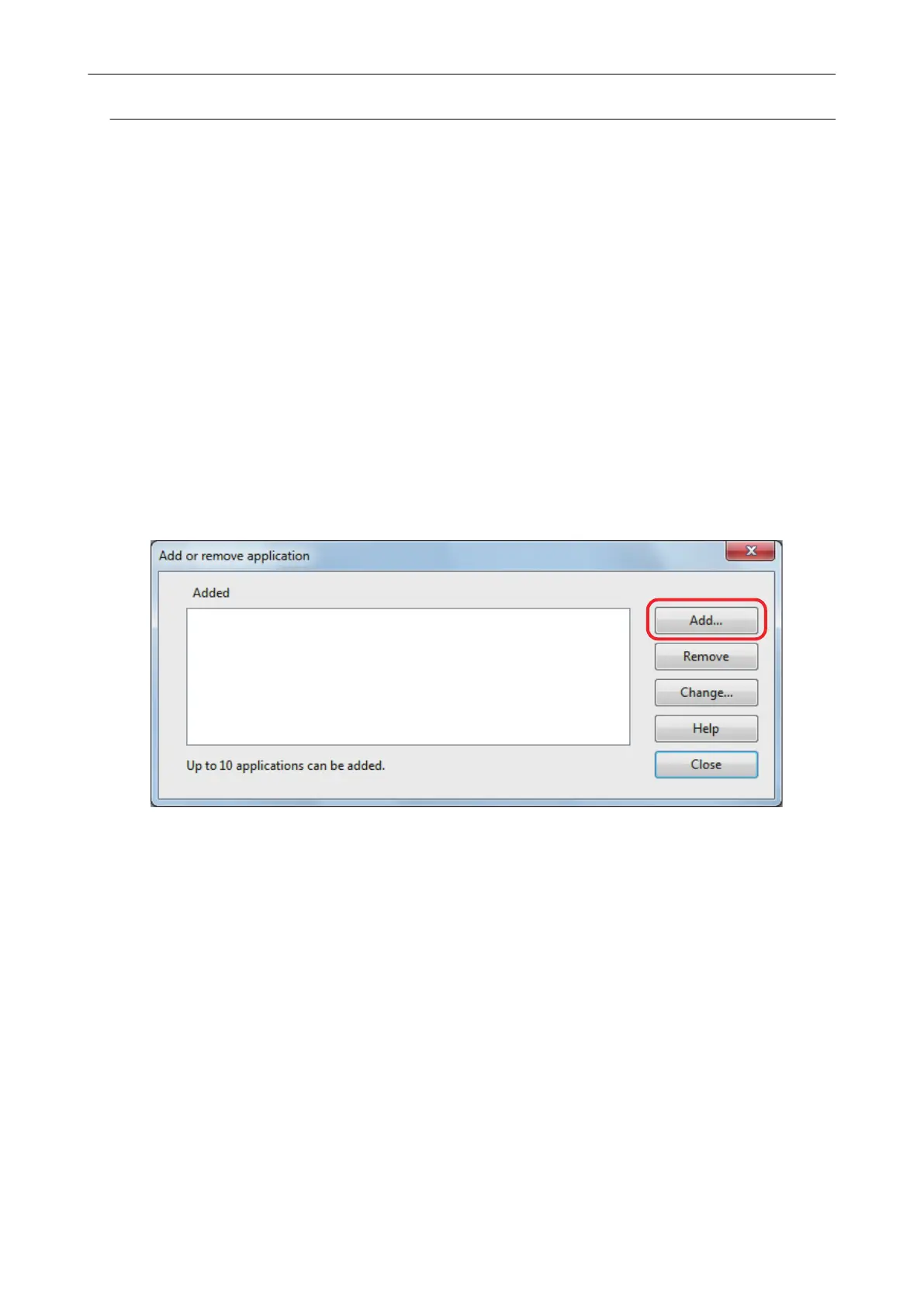
Up to any 10 applications can be added.
1. Select [Scan Button Settings] from the Right-Click Menu.
a The ScanSnap setup window appears.
2. In the [Application] tab, click the [Application Settings] button.
a The [Applications to Show/Hide] window appears.
3. Click the [Settings] button.
a The [Add or remove application] window appears.
4. Click the [Add] button.
a The [Application Settings] window appears.
5. Click the [Browse] button.
Managing Linked Applications
135















 To Next Page