Saving Data to Google Drive
This section explains how to save the scanned image as a PDF file to Google Drive.
ATTENTION
l You need to create a Google account (free).
l [Scan to Google Drive] is not available in a proxy environment that requires authentication upon
connecting to the Internet.
1. Click the [Scan to Google Drive] icon in the Quick Menu.
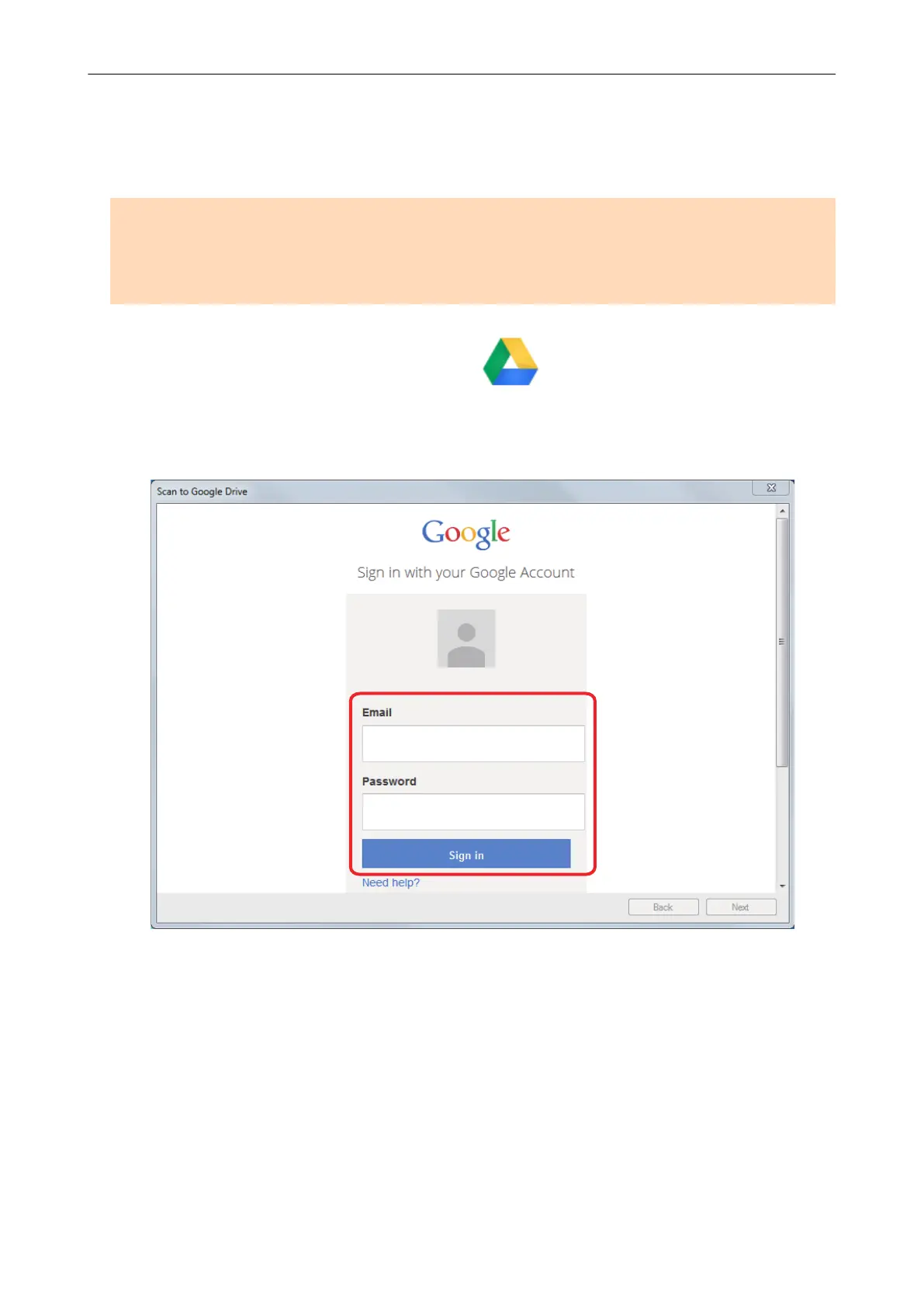
a The [Scan to Google Drive] window appears.
2. Enter your e-mail address and password, and then click the [Sign in] button.
a A window appears.
3. Click the [Accept] button.
a Text recognition is performed. The following window appears during text recognition.
Saving Data to Google Drive
43















 To Next Page