Correcting Skewed Text (For SV600)
The horizontally skewed text, lines, or graphics in the scanned images can be corrected.
ATTENTION
In the following types of documents, skews are not corrected:
l Documents without a horizontal line
l Documents with fine (less than 0.5 point thick), broken, dotted, wavy, or light-colored lines
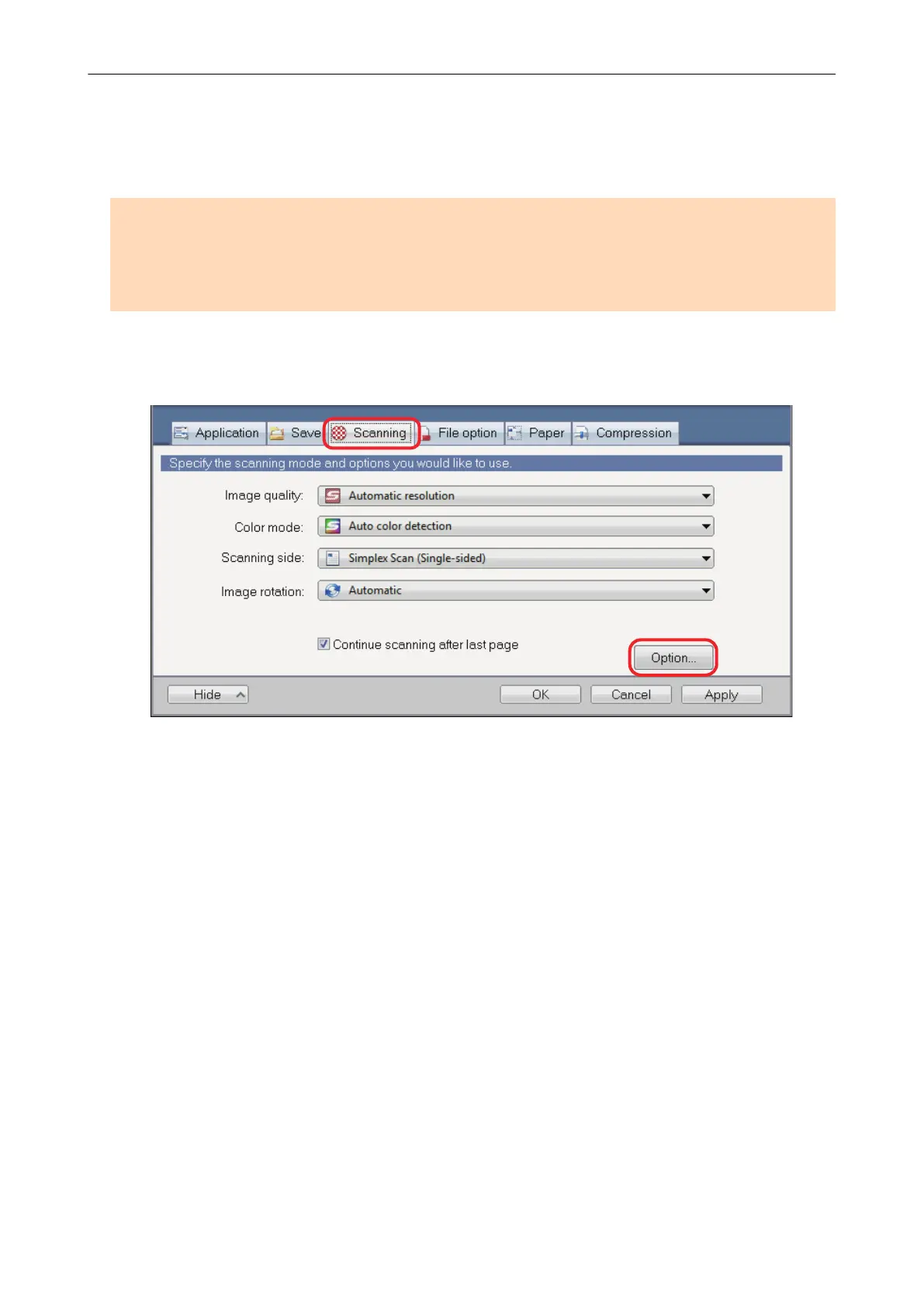
1. In the ScanSnap setup window, select the [Scanning] tab, and click the
[Option] button.
a The [Scanning mode option] window appears.
2. Click the [Image quality] tab and select the [Correct skewed text of the
following document type(s)] checkbox, then select a document for correction
in [Type].
Correcting Skewed Text (For SV600)
97















 To Next Page