Scanning Only One Side of a Document (iX500,
S1500, S1500M, S1300i, or S1300)
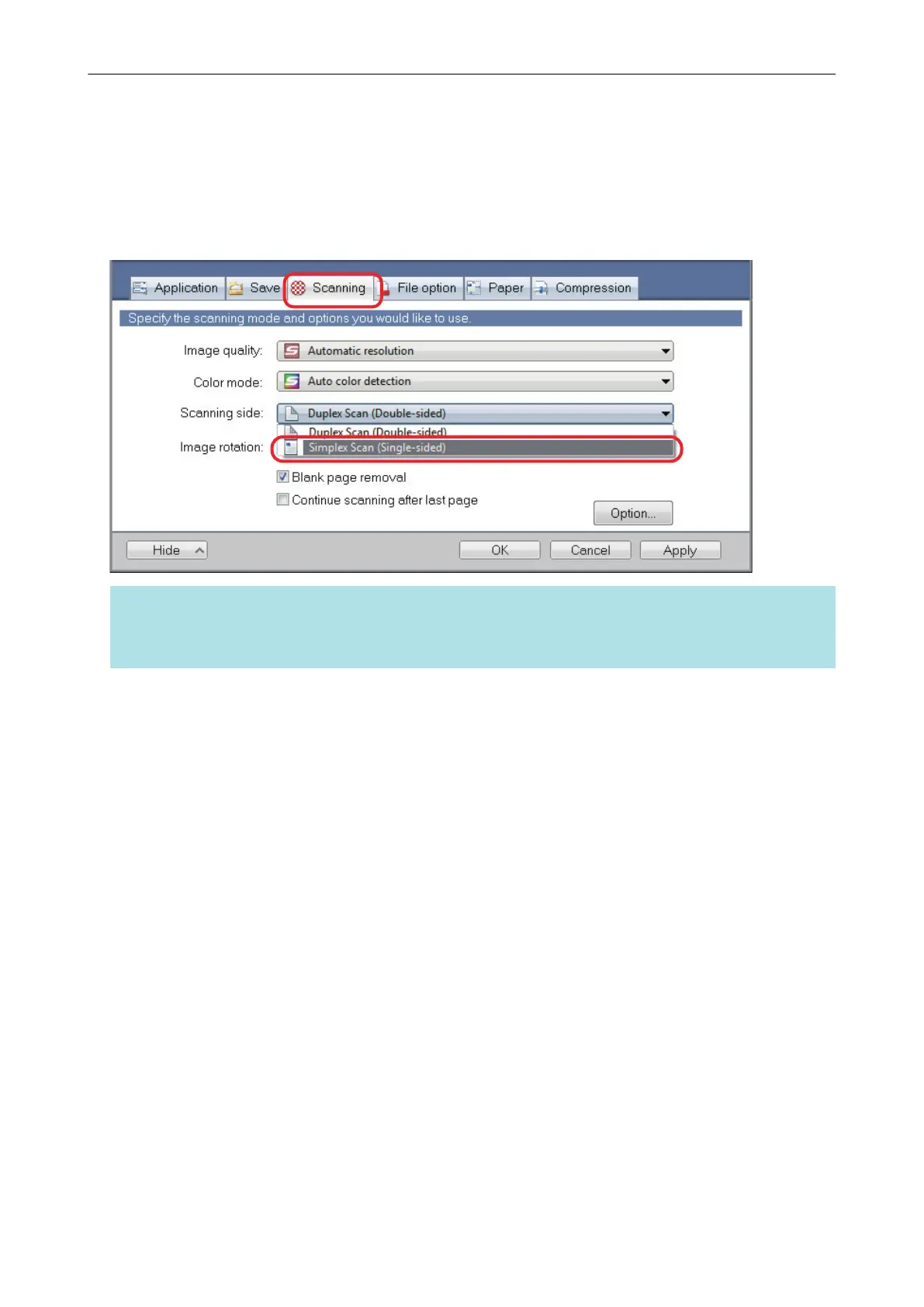
To scan only one side of a document, in the [Scanning] tab of the ScanSnap setup window, select
[Simplex Scan] in the [Scanning side] drop-down list.
HINT
When you select [Simplex Scan] from the Right-Click Menu, scanning is performed in simplex mode
even if [Duplex Scan] is specified for [Scanning side] in the [Scanning] tab.
Scanning Only One Side of a Document (iX500, S1500, S1500M, S1300i, or S1300)
83















 To Next Page