Changing Application Settings
1. Select [Scan Button Settings] from the Right-Click Menu.
a The ScanSnap setup window appears.
2.
In the [Application] tab, click the [Application Settings] button.
a The [Applications to Show/Hide] window appears.
3. Click the [Settings] button.
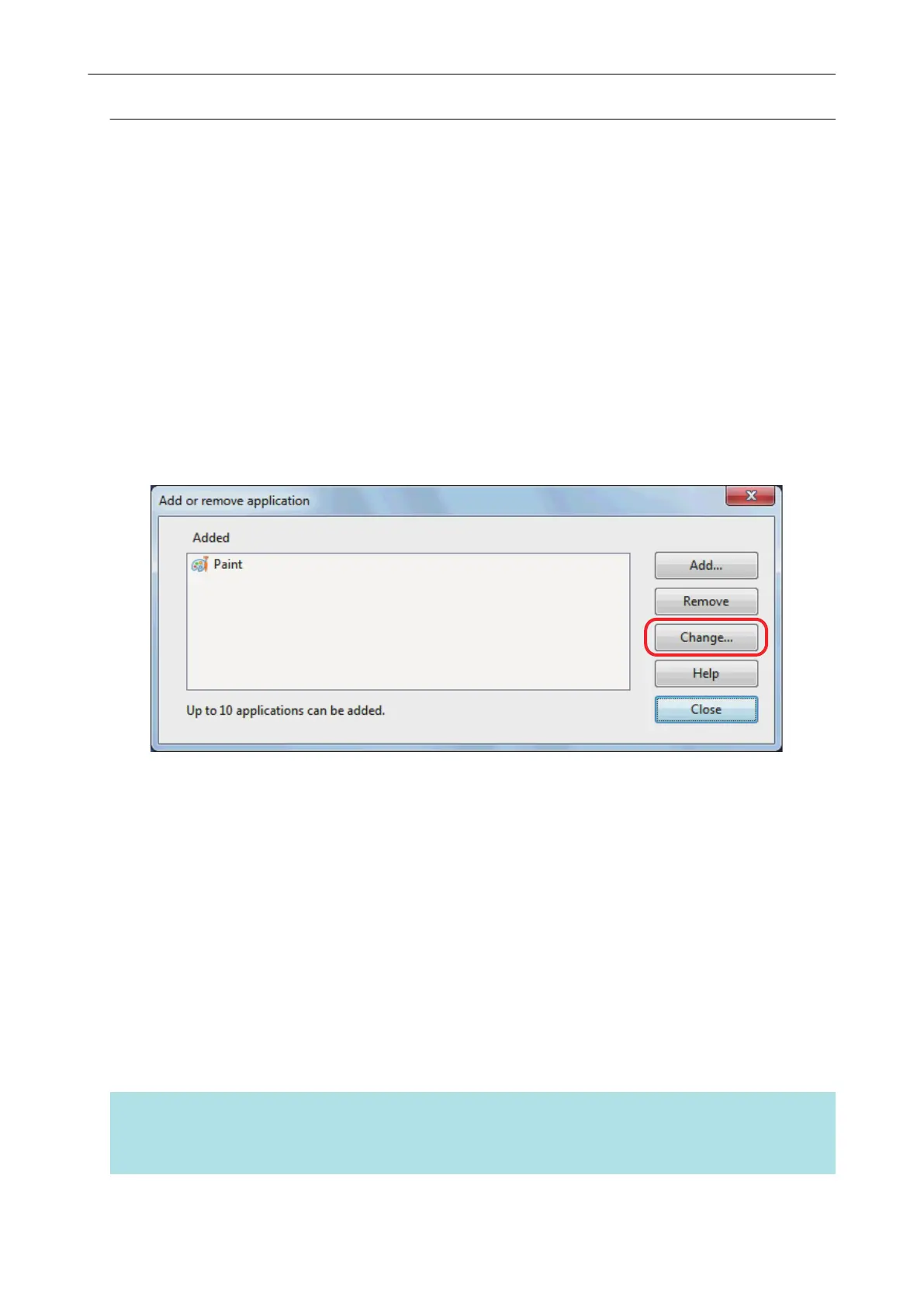
a The [Add or remove application] window appears.
4. Select an application for which you want to change the settings, and click the
[Change] button.
a The [Application Settings] window appears.
5. You can change the following settings:
l Application Path
l Application Name
l Description
l Available file format
6. When you finish changing the settings, click the [OK] button.
a The application settings are changed and the [Add or remove application] window appears.
7. Click the [Close] button to close the window.
HINT
When the [Use Quick Menu] checkbox is cleared in the ScanSnap setup window, clicking the [Add or
Remove] button in the [Application] tab displays the [Add or remove application] window.
Managing Linked Applications
139















 To Next Page