HINT
l If [JPEG(*.jpg)] is selected for [File format] in the [File option] tab of the ScanSnap setup
window, a separate PDF file will be created from each JPEG file.
l Note that text recognition will be performed only on pages containing text which is not yet
recognized.
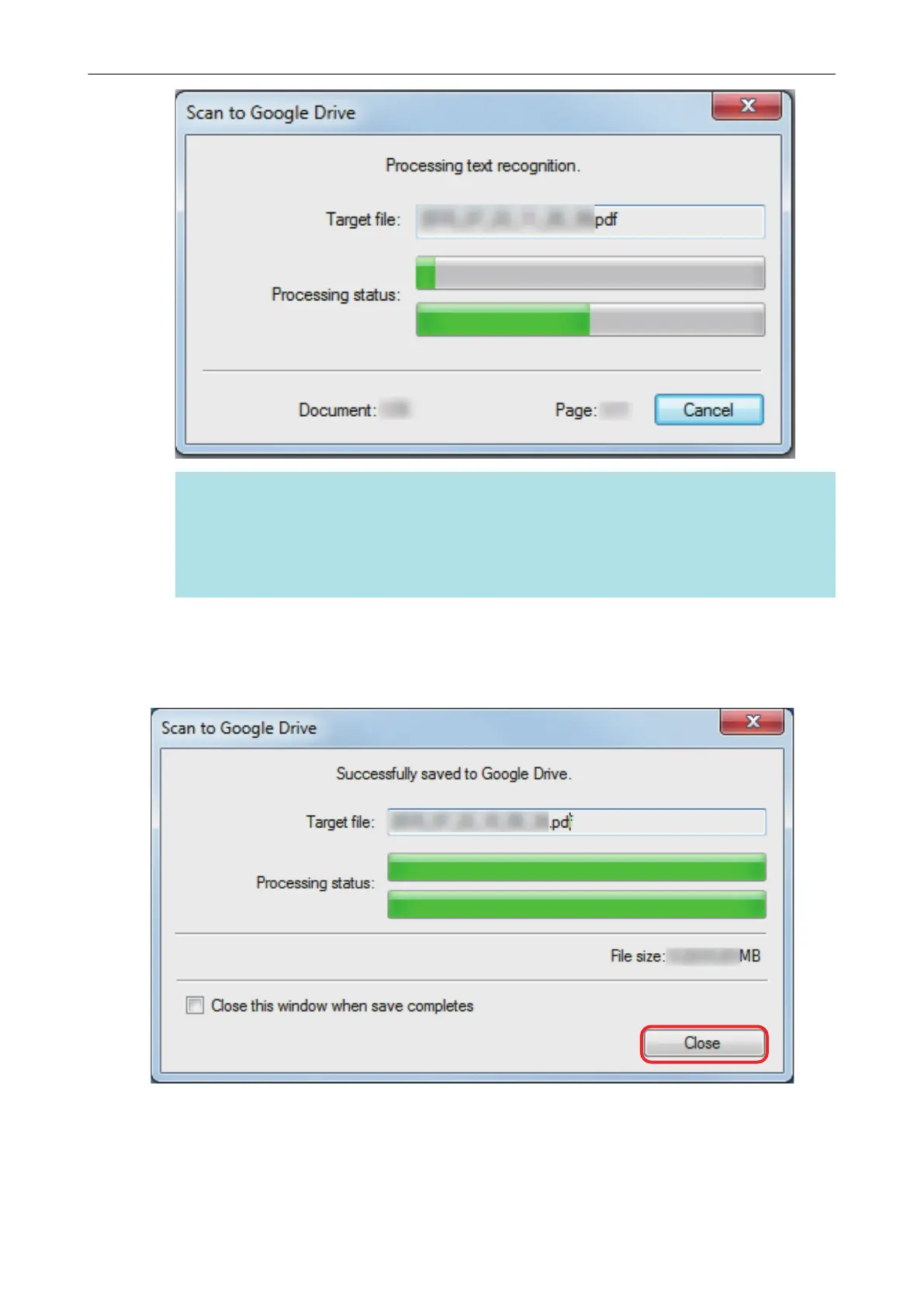
a Saving to Google Drive starts.
4. Click the [Close] button to close the [Scan to Google Drive] window when the
saving is completed.
Google Drive does not start up after the saving has completed. To check the saved PDF file,
start a web browser and log into Google Drive.
Saving Data to Google Drive
44















 To Next Page