HINT
When one of the following is selected from [Application] in the [Application] tab on the ScanSnap
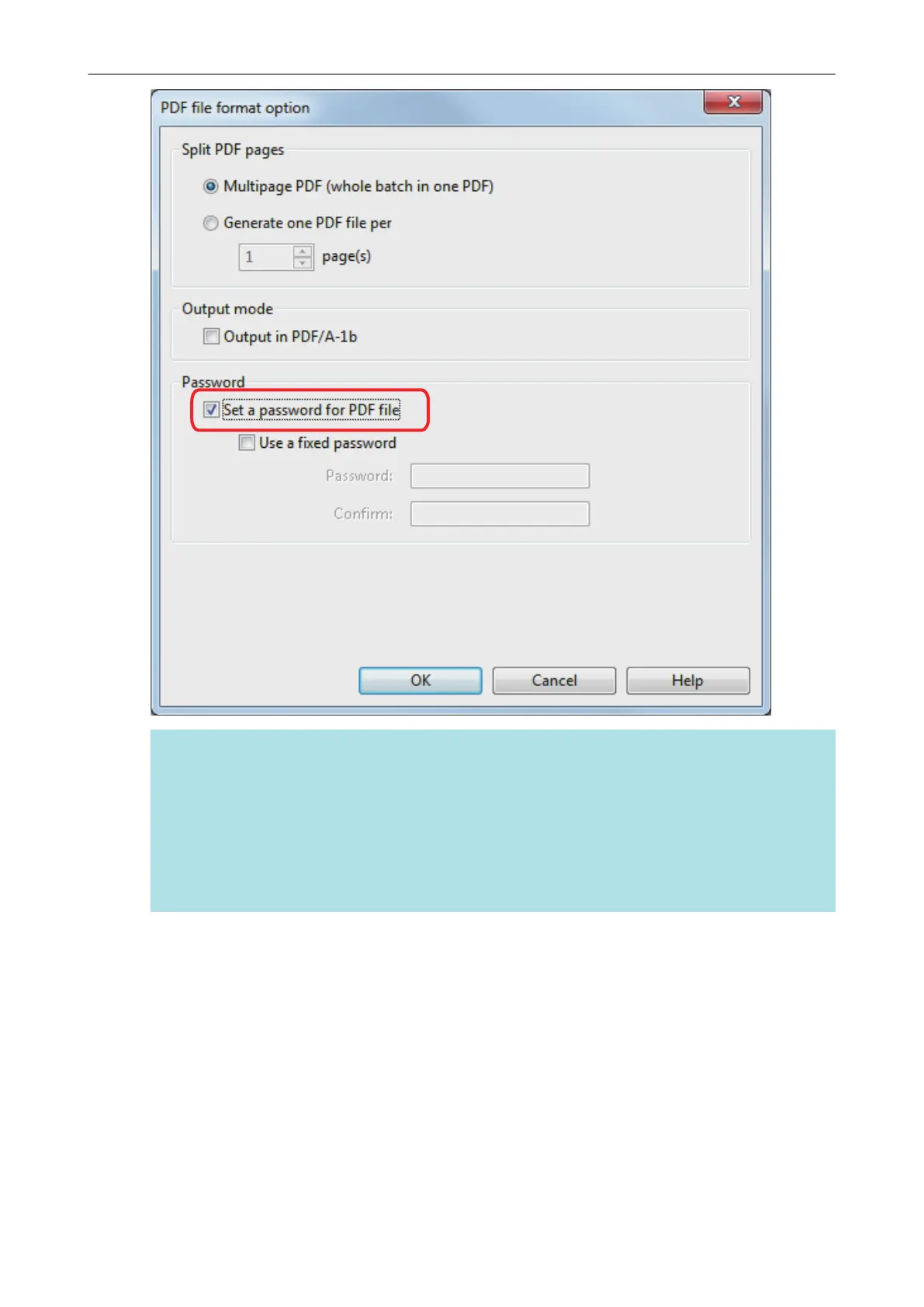
setup window and the [Set a password for PDF file] checkbox is selected, a message appears.
l ScanSnap Organizer
l Scan to Rack2-Filer Smart
l Scan to Magic Desktop
Read the message, and click the [OK] button to close the message.
l To set a different password per scan
Clear the [Use a fixed password] checkbox.
You can set a different password per scan.
Setting Passwords for PDF Files
113















 To Next Page