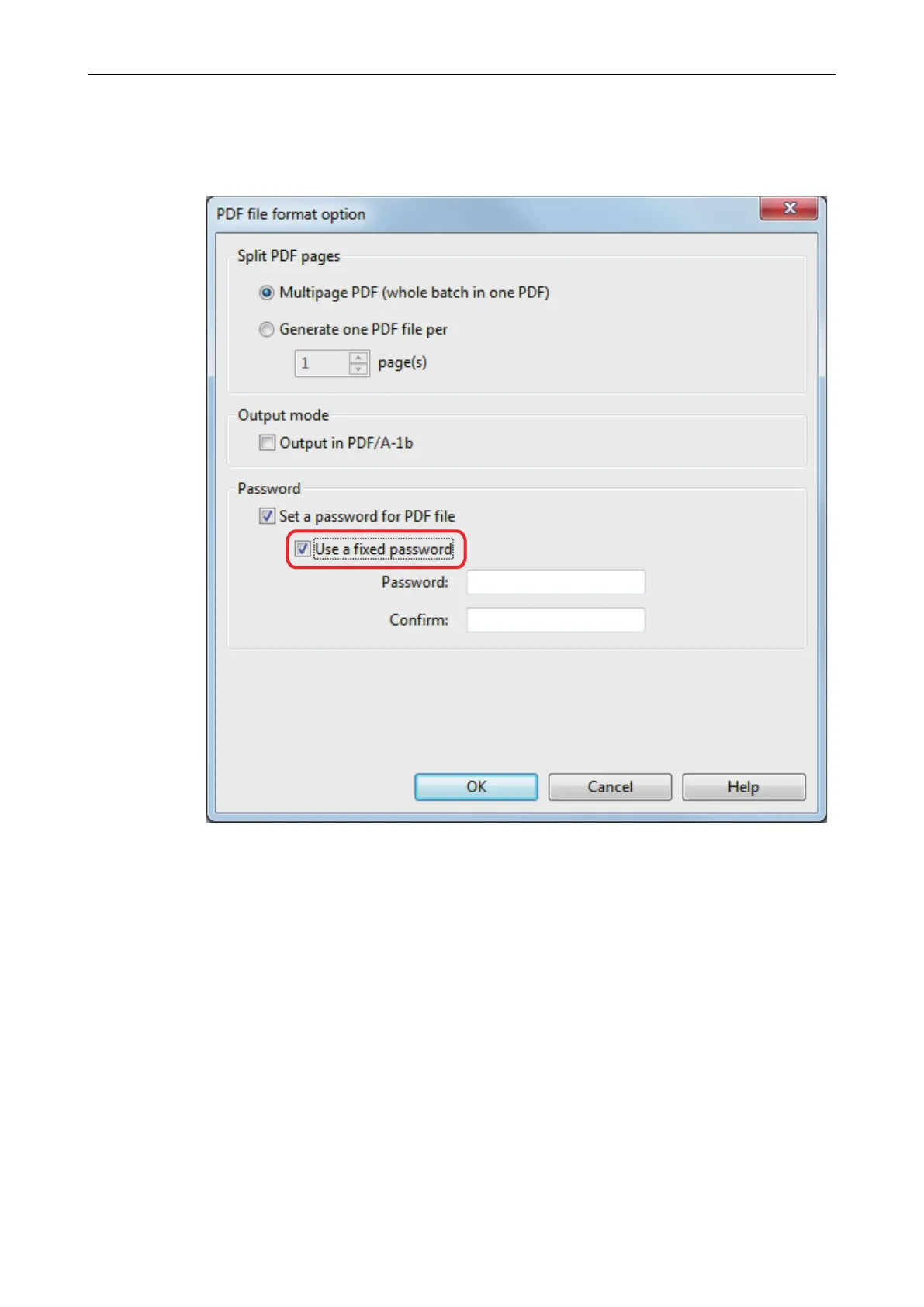
l To use a preset password
1. Select the [Use a fixed password] checkbox.
The same password is set for all PDF files. You do not have to set a password every
time a document is scanned.
2. Type in the same password in the [Password] and [Confirm] fields.
Setting Passwords for PDF Files
115















 To Next Page