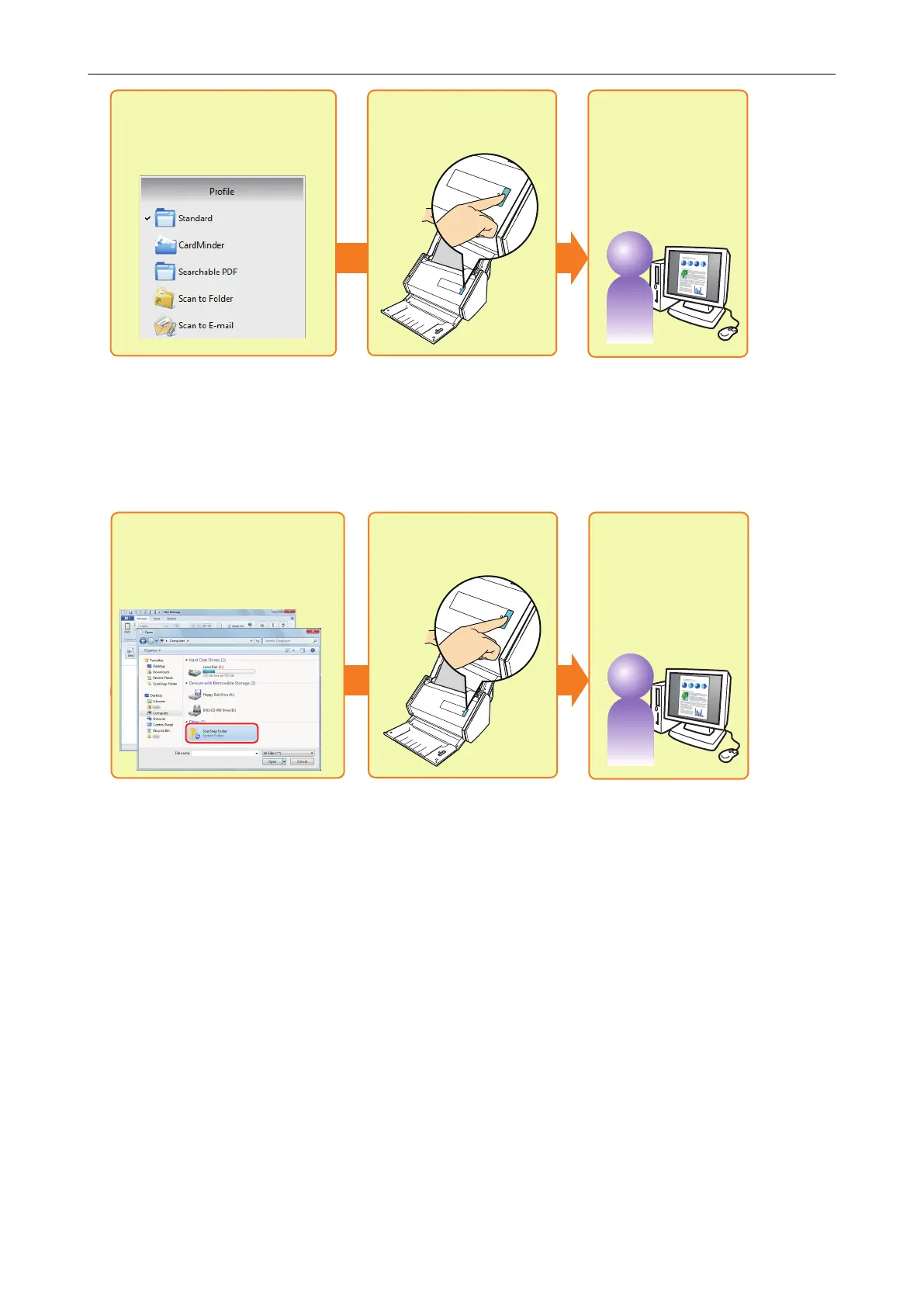
Select a previously set
profile
Scan
Save and use
the scanned image
For details, refer to "Profile" (page 60).
Scanning Using ScanSnap Folder
By selecting ScanSnap Folder from the file selection window of the application, you can scan a
document from the ScanSnap. You can use the scanned document file directly in the application.
Select ScanSnap Folder
from the file selection window
Scan
Save and use
the scanned image
For details, refer to "ScanSnap Folder Operations" (page 75).
How to Perform a Scan
13















 To Next Page