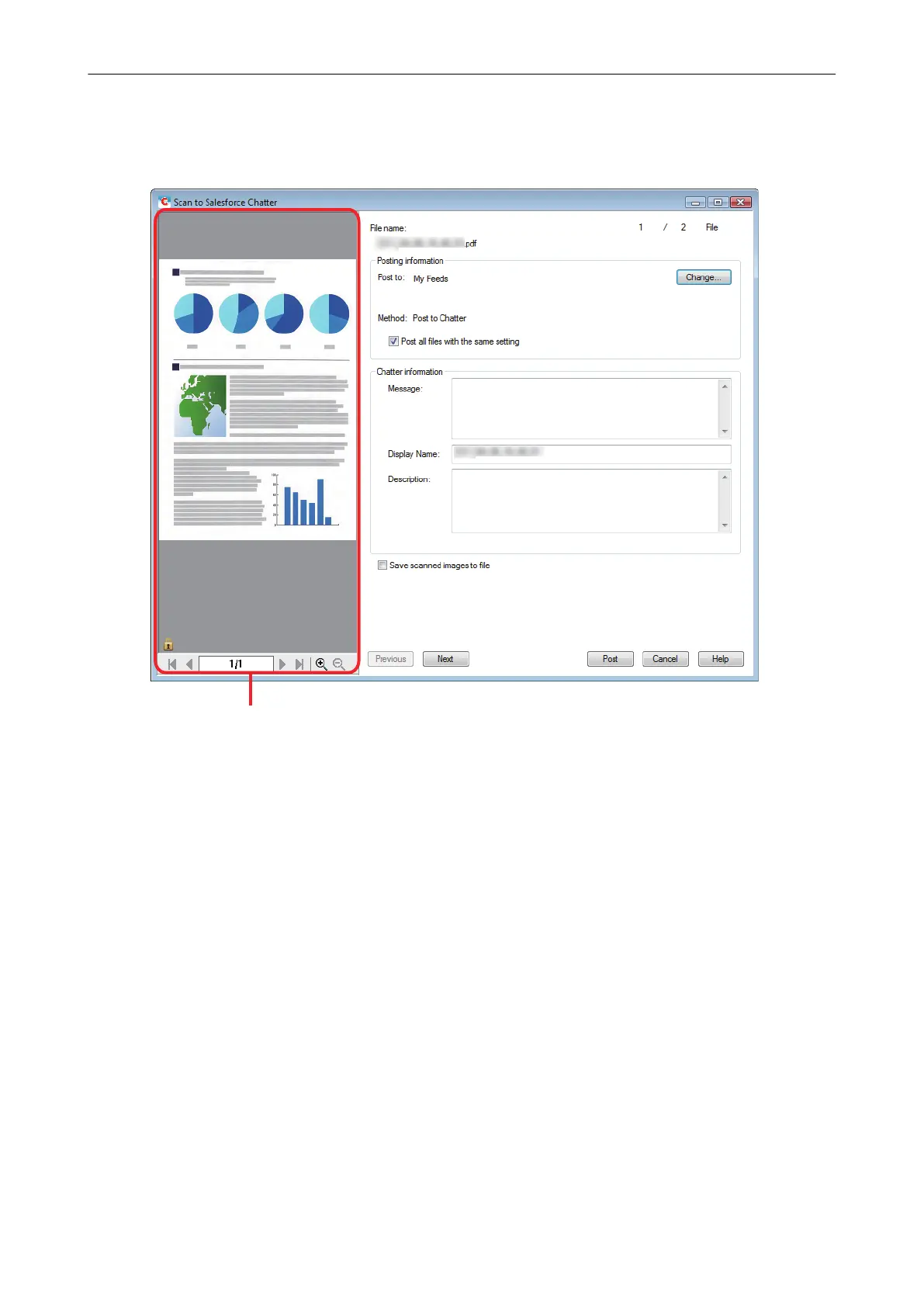
You can configure the settings for scanning to Salesforce Chatter in the [Scan to Salesforce
Chatter] window.
For details about the [Scan to Salesforce Chatter] window, refer to the ScanSnap Manager
Help.
4. Click the [Post] button.
a Posting to Salesforce Chatter starts.
5. Click the [Close] button to close the [Scan to Salesforce Chatter] window
when the posting is completed.
Posting to Salesforce Chatter
47















 To Next Page