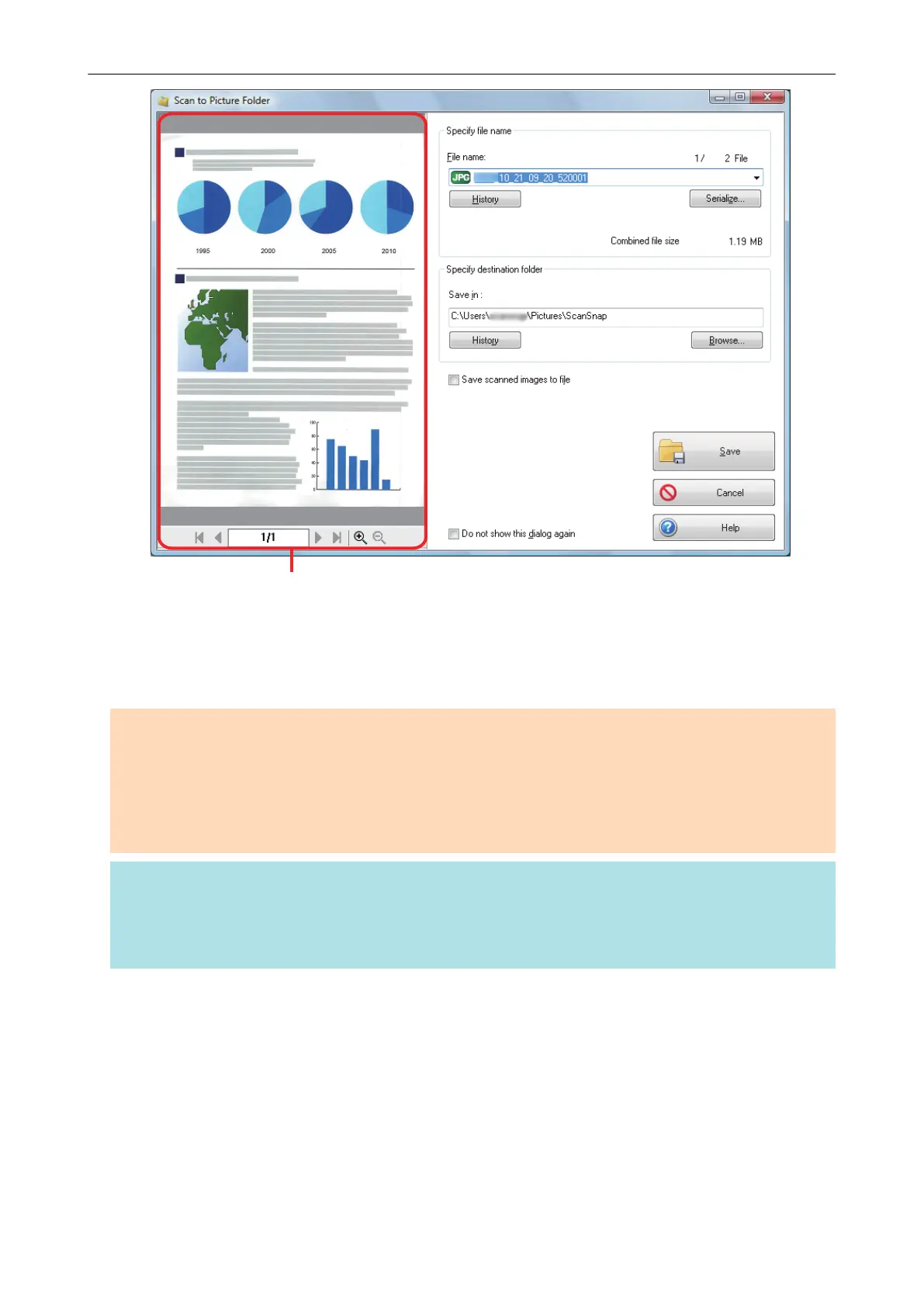
3. Click the [Save] button.
a The scanned image is saved in the Pictures folder.
ATTENTION
l You cannot start scanning after the Quick Menu is displayed and before the [Scan to Picture
Folder] window is closed. Close the [Scan to Picture Folder] window before scanning the next
document.
l Do not move, delete, or rename the scanned image in other applications after the Quick Menu is
displayed and before the [Scan to Picture Folder] window is closed.
HINT
l You can change the settings for [Scan to Picture Folder]. For details, refer to "Changing the
Settings of Linked Applications" (page 133).
l Profiles can also be used for the linkage function. For details, refer to "Profile" (page 60).
Managing Scanned Images in the Picture Folder (as JPEG Files)
59















 To Next Page