HINT
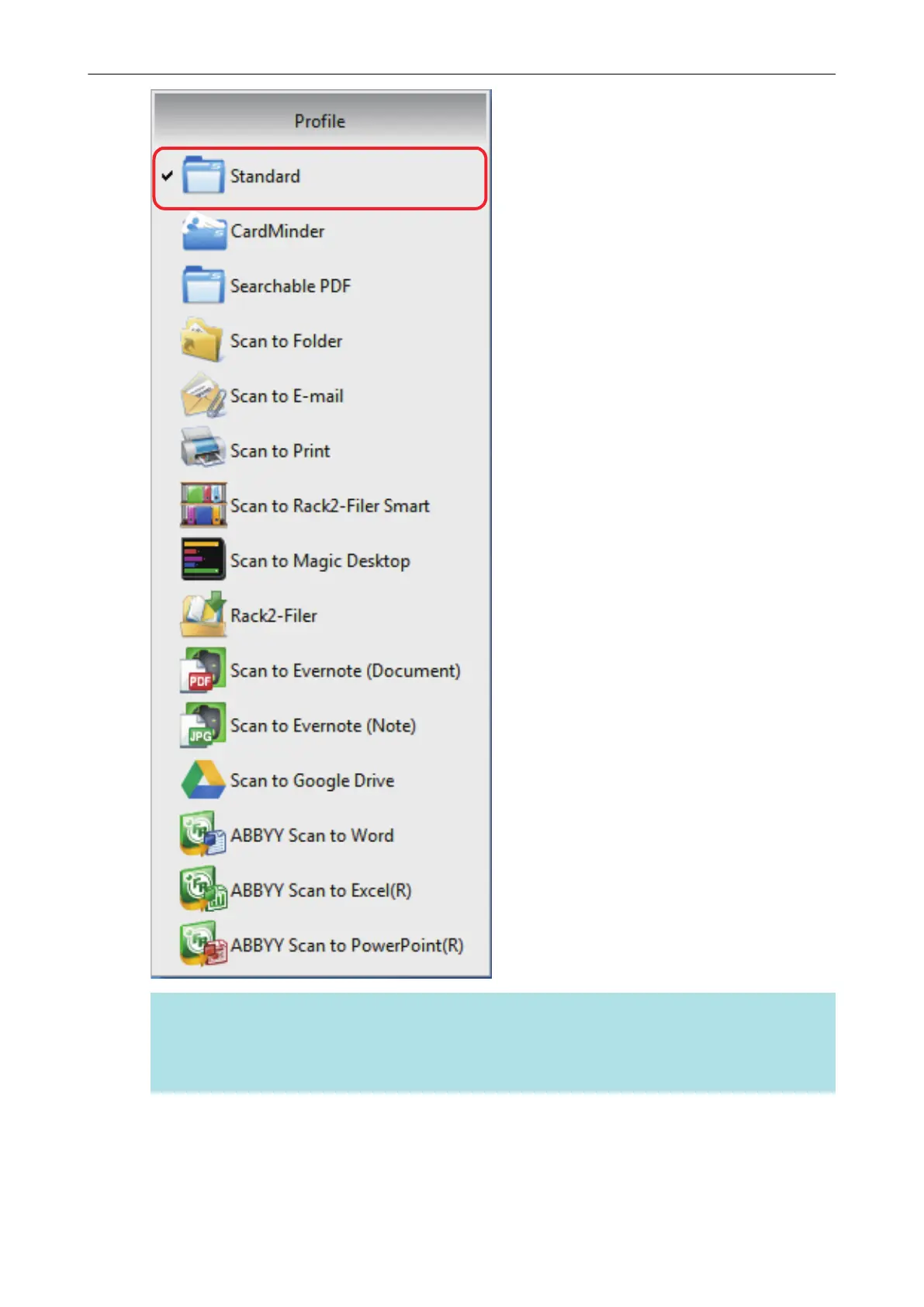
When you connect SV600 and another ScanSnap to a computer, the Left-Click Menu specific to
each ScanSnap is displayed. In that case, select a profile from the Left-Click Menu for the
ScanSnap model you use.
5. Scan documents with the ScanSnap.
For details about scanning documents, refer to the Basic Operation Guide.
a The [ScanSnap Organizer] window appears when the scanning is completed.
Using Profiles to Perform Scanning
62















 To Next Page