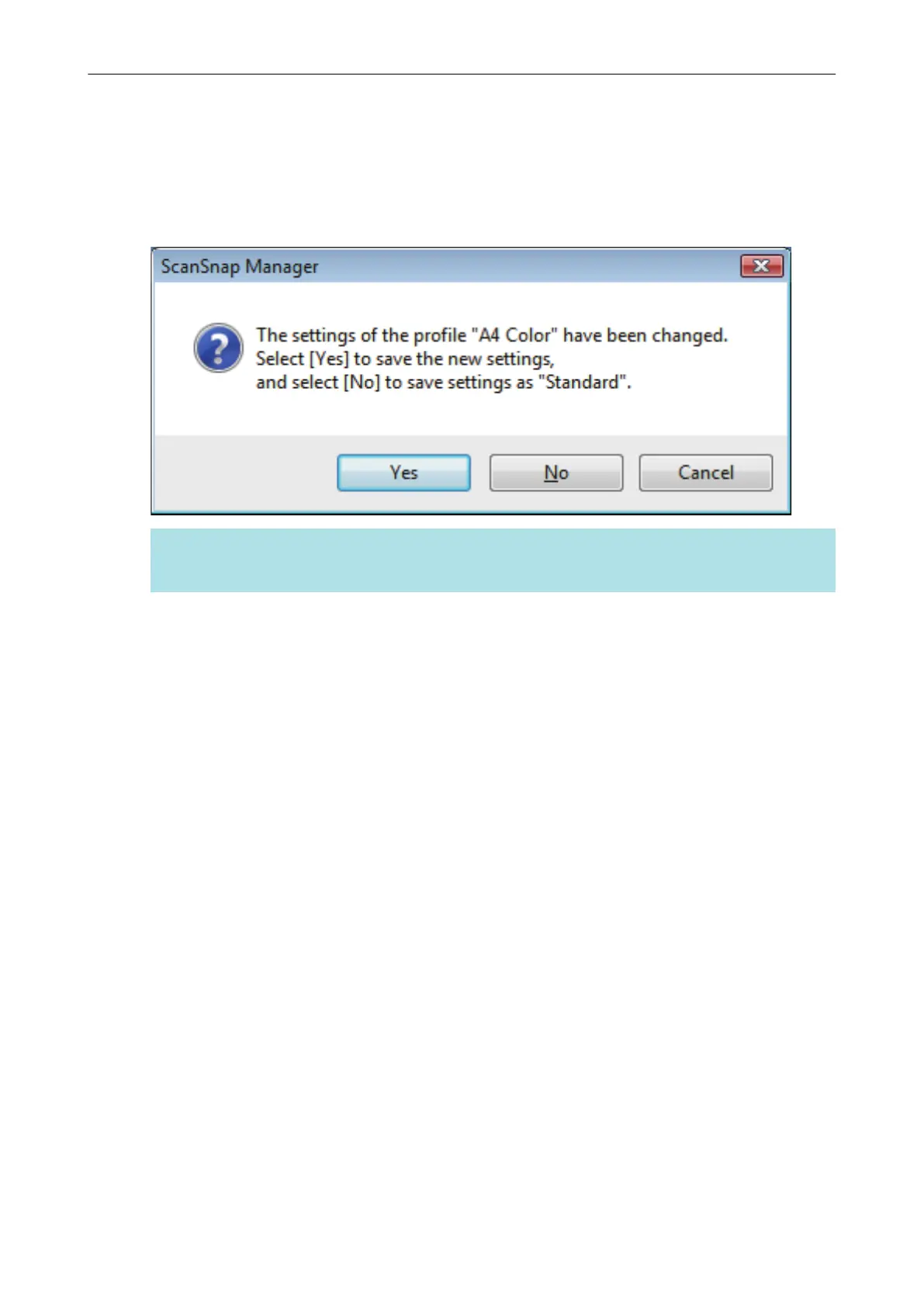
5. When you finish changing the settings for the selected profile, click the [OK]
button.
a The overwrite confirmation window appears.
6. To overwrite the profile, click the [Yes] button. To save the settings as
"Standard", click the [No] button.
HINT
The confirmation message does not appear when the [Standard] profile is selected in step 3.
Profile Management
68















 To Next Page