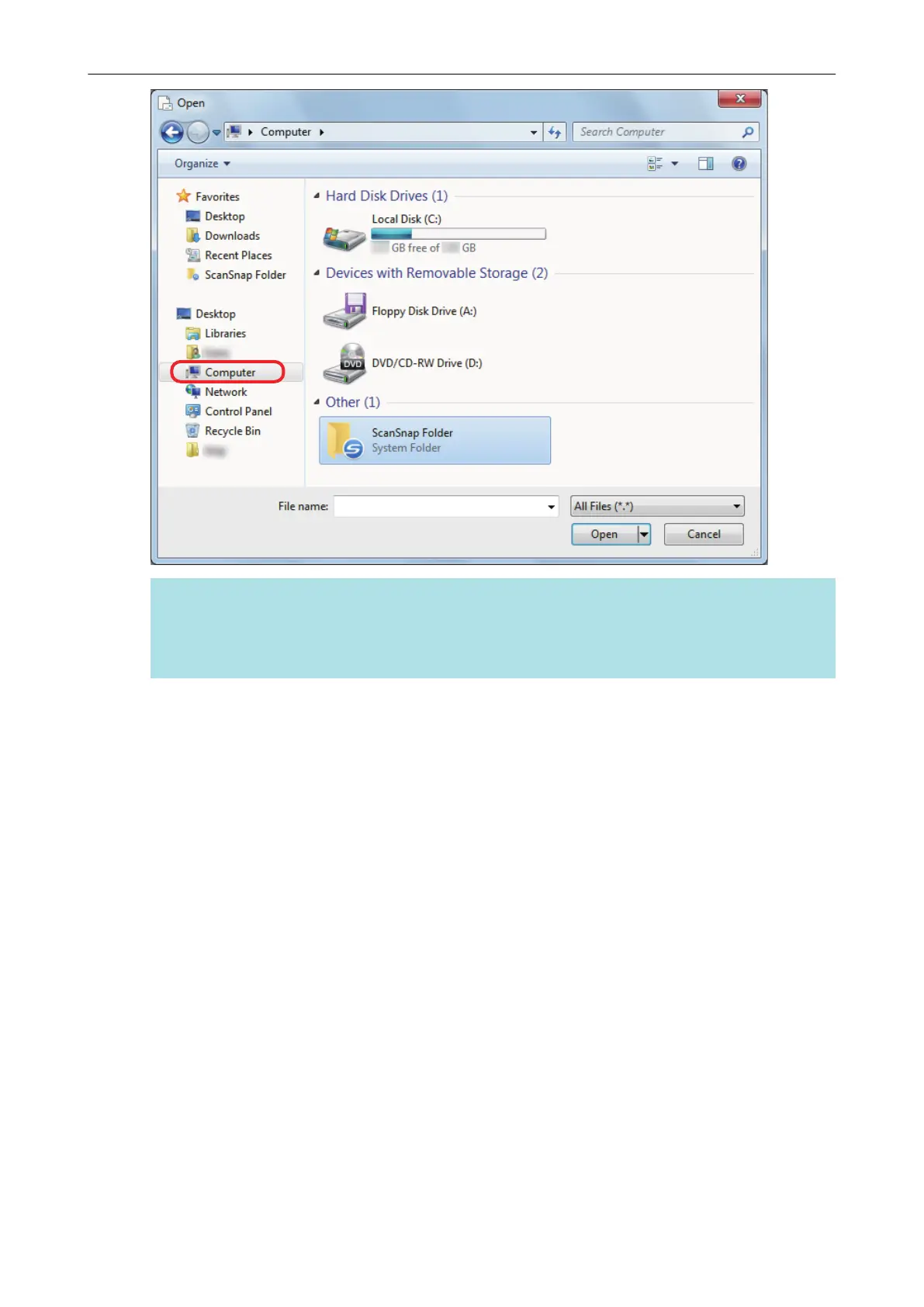
HINT
For Windows 8.1/Windows 8/Windows 7/Windows Vista, when you select the ScanSnap Folder
located in [Favorites] ([Favorite Links] for Windows Vista), scanning becomes available in some
applications.
3. Select ScanSnap Folder.
a A notification appears from the ScanSnap Manager icon in the notification area, and
scanning becomes available.
Using ScanSnap Folder to Perform Scanning
77















 To Next Page