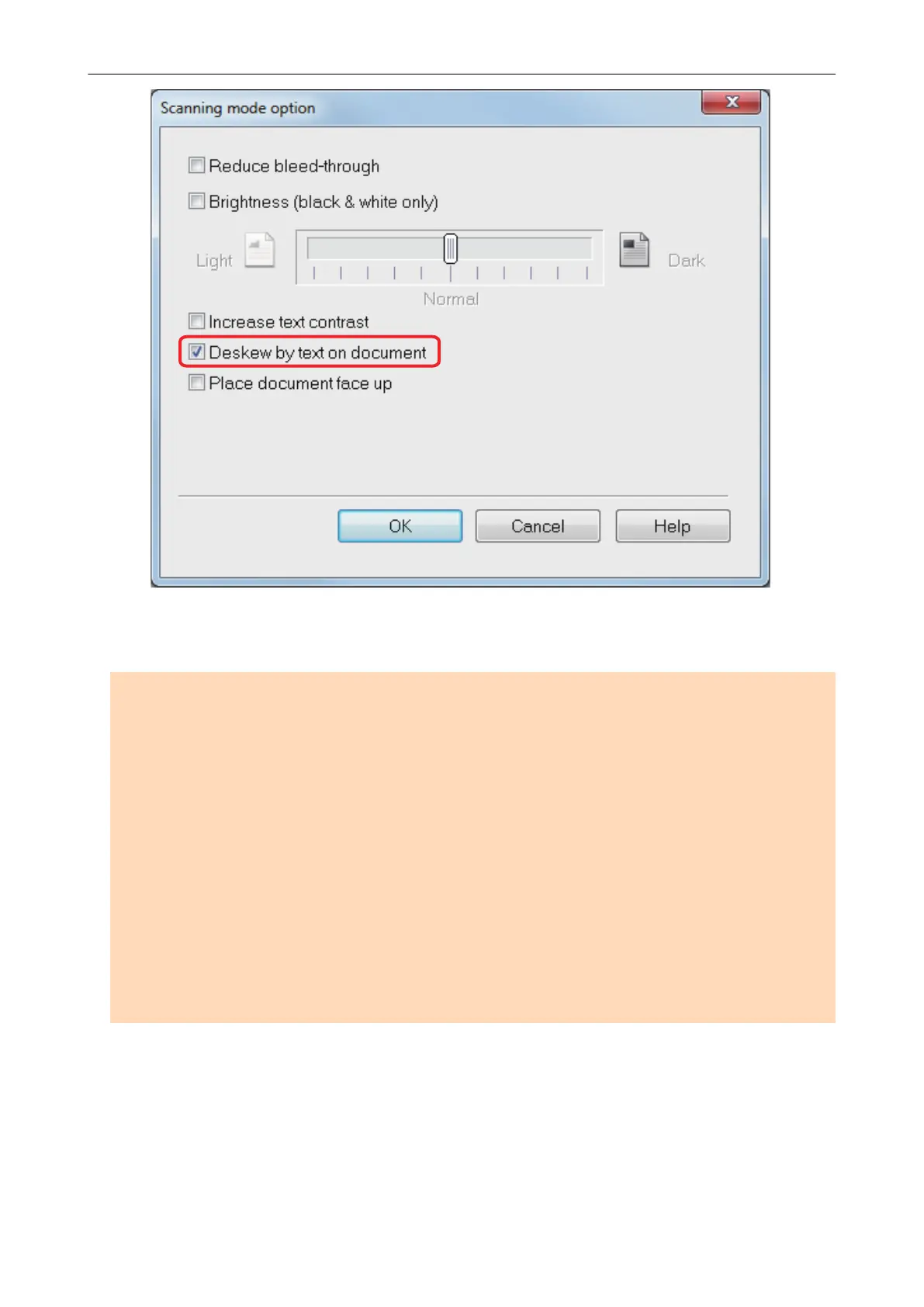
3. Click the [OK] button to close all the windows.
ATTENTION
l Up to ±5 degrees of skew can be corrected.
l Skewed characters are corrected based on the character strings printed on the document.
Therefore, the scanned image for the following types of documents may be adjusted at the wrong
angle.
In that case, clear the [Deskew by text on document] checkbox:
- Documents on which pitches between lines or characters are extremely narrow, or characters
are overlapped
- Documents with many outlined or decorated characters
- Documents with many images (such as photographs and figures) and few characters
- Documents with characters on a patterned background
Example:
Characters overlapping illustrations and diagrams
- Documents with long diagonal lines
- Documents including handwritten characters
Correcting Skewed Character Strings
88















 To Next Page