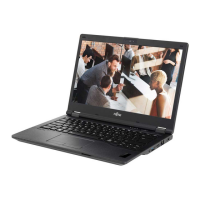
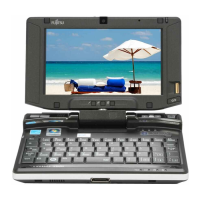
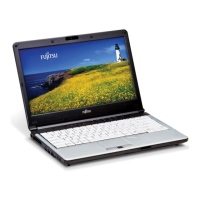
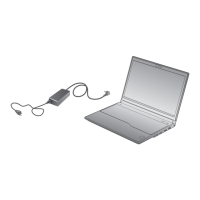
Ports and operating elem en ts
Inserting t he SIM card
► Switch the notebook off and pull the power plug out of the mains socket.
► Close the LCD screen so that it noticeab ly locks into place.
► Disconnect all cables connected to the noteb ook.
► Turn your notebook over and place it on a stable, sturdy, flat surface. If necessary, lay a
non-slip cloth on this s urface to prevent the notebook from being scratched.
► Remove the battery (see Section "
Removing the battery", Page 16).
1
2
a
► SlidetheSIMcardintotheslot(1)(withthe
contacts facing upwards) until it engages.
► Slide the clip (a) of the SIM card in the
direction of the arrow (2).
► Reinstall the batte ry (see "
Installing batt ery", Page 16).
► Turn the notebook the right way up and place it on a flat surface.
► Reconnect the cables that you disconnected previously.
Removing a SIM card
► Switch the notebook off and pull the power plug out of the mains socket.
► Close the LCD screen so that it locks into place.
► Disconnect all cables connected to the noteb ook.
► Turn your notebook over and place it on a stable, flat a nd clean surface. If necessary, lay
an anti-slip cloth on this surface to prevent the notebook from being scratched.
► Remove the battery (see Section "
Removing the battery", Page 16).
a
1
2
► Slide the clip (a) of the SIM card in the
direction of the arrow (1).
► Pull the SIM card out of the slot in the
direction of the arrow (2).
► Reinstall the batte ry (see "
Installing batt ery", Page 16).
► Turn the notebook the right way up and place it on a flat surface.
► Reconnect the cables that you disconnected previously.
A26391-K272-Z220-1 -7619 , edition 1 19


 To Next Page
 Loading...