RX2520 M5 Operating Manual 27
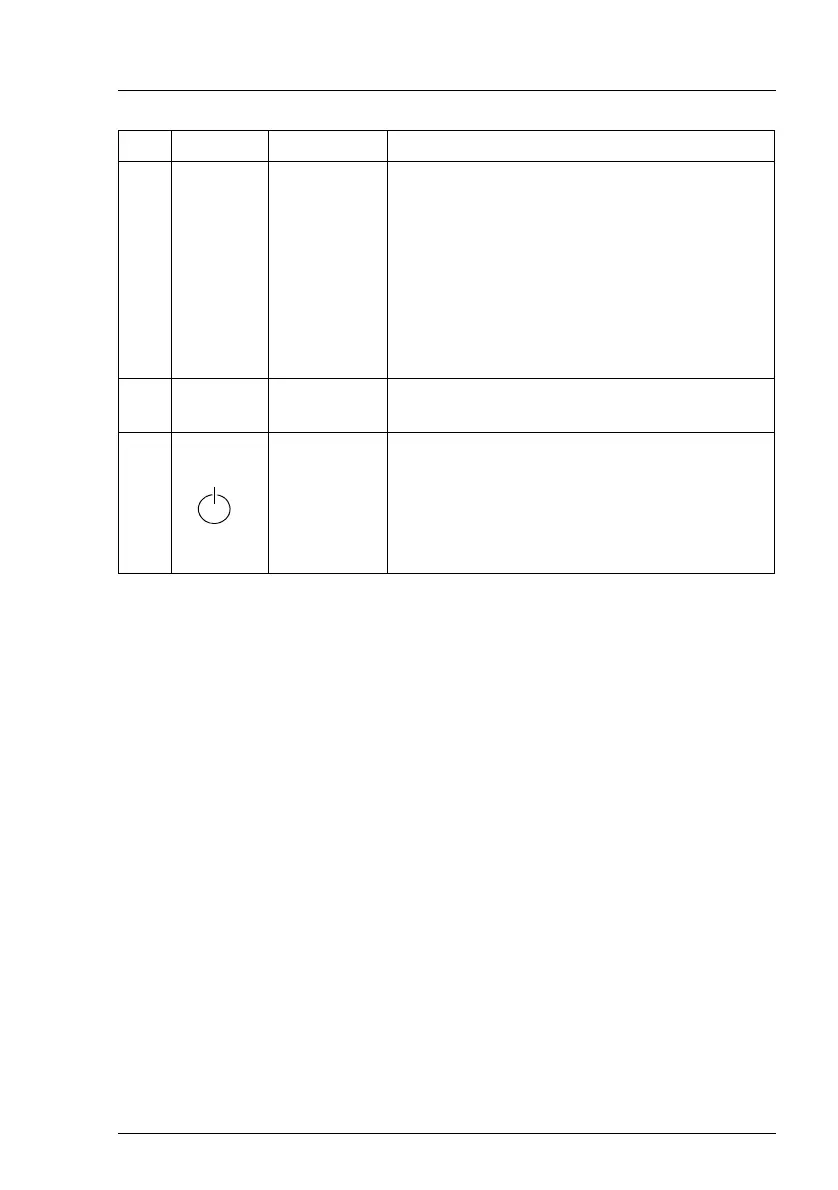
2 NMI NMI button
Used to troubleshoot software and device
driver errors.
Press the NMI button with a straightened end
of a paper clip.
V CAUTION!
Use this button only if directed to do so
by qualified certified maintenance
personnel!
3 ID ID button
Highlights the ID indicator on the front panel
and I/O panel for easy server identification.
4
On/Off
button
Used to switch the server on or off.
I If the system is running an ACPI-
compliant operating system, pressing
the On/Off button will perform a
graceful shutdown.
Pos. Label Button Function



 To Next Page
 Loading...