84
5.1 Clearing Document Jams
If a document jam occurred during the scanning, follow the procedure below to remove the
jammed document.
• Open the ADF cover before removing the jammed document.
• Take care not to get injured when removing the jammed document.
• When removing the jammed document, be careful not to get neckties or necklaces entan-
gled in the scanner.
• The surface of the ADF glass becomes hot during operation. Take care not to get burned.
Operation
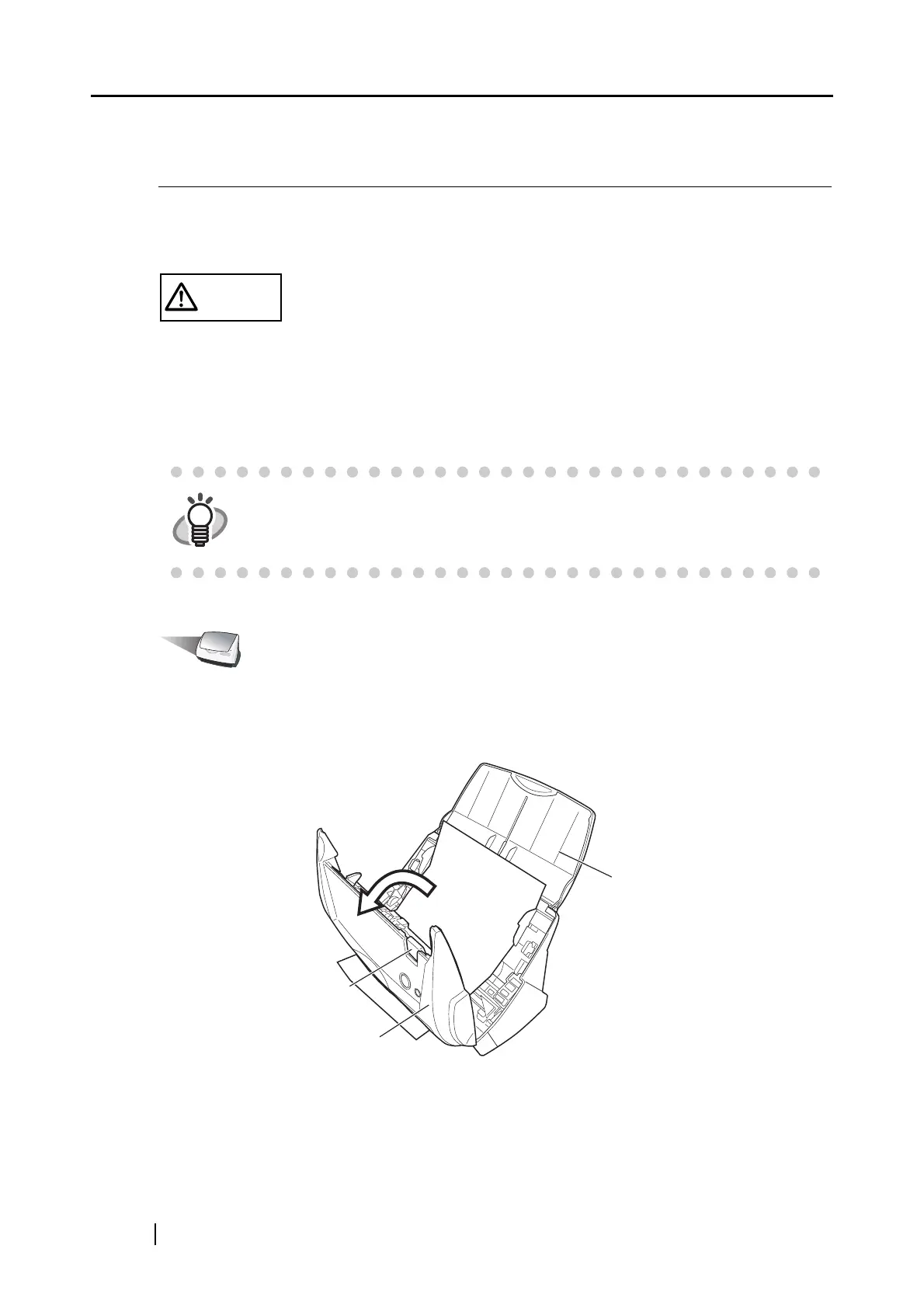
1. Remove the document on the paper chute cover.
2. Open the ADF cover while pulling the cover open lever.
HINT
Clean the ADF referring the guidelines in "6.3 Cleaning the Inside of the Scan-
ner" (page 94).
Paper chute cover
Cover open lever
ADF cover



 To Next Page
 Loading...











