7.1 Replacing Consumables
ScanSnap fi-5110EOX Operator's Guide 101
Replacing Consumables
7
HINT
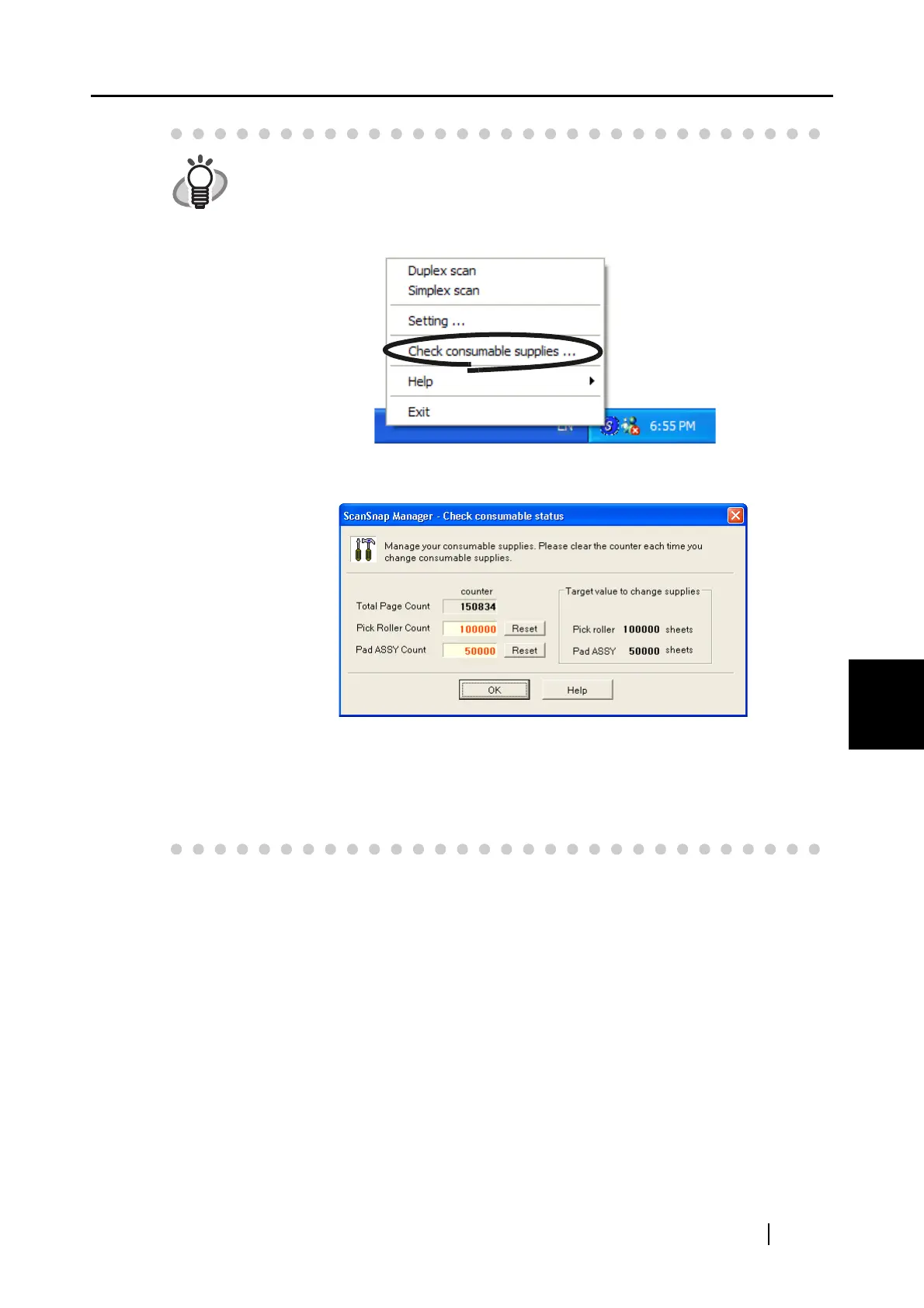
By the following procedure, you can create a rough guideline for replacing con-
sumables and for estimating how many sheets have been already scanned.
1. Rigth click the "ScanSnap Manager" icon on the task tray.
2. Click [Check consumable supplies...] at the menu.
⇒ The screen ("Check consumable status" screen) is displayed. This screen
indicates how many times consumables have been used.
Replace consumables referring to "Target value to change supplies" as a rough
guideline.
For details about purchasing consumables, visit the following website or con-
tact the Fujitsu scanner dealer where you purchased your scanner.
[Website] http://scansnap.fujitsu.com/



 To Next Page
 Loading...











